
Birthdays
 Birthdays
Birthdays straight from your contacts
Miracal shows every birthday from your contacts in your calendar automatically – with the age they're turning and a reminder on the day. Free, with no limit.


Free download · iPhone & Android
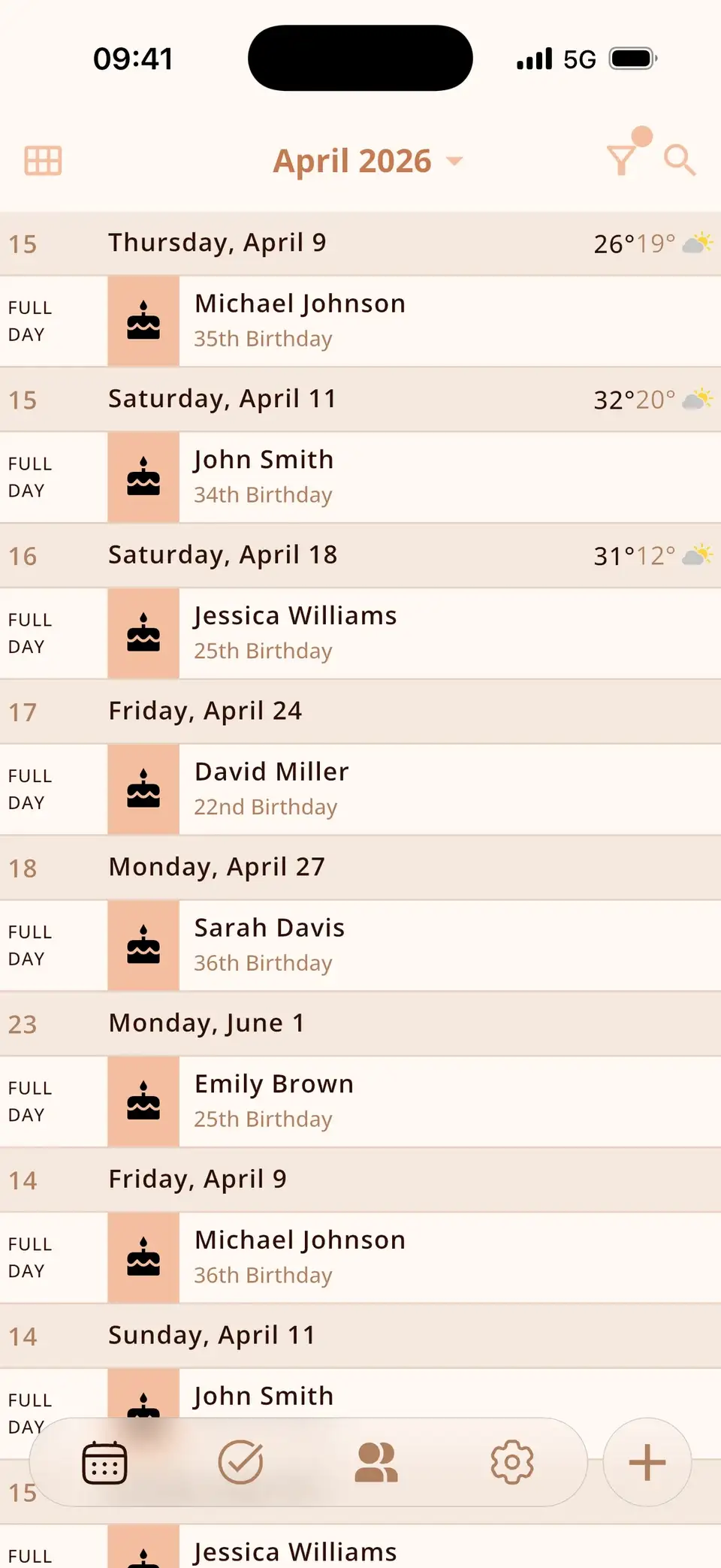
Every birthday, automatically
Birthdays saved in iCloud, Google or on your phone appear on the right day – no import, no extra list.
- Age shown for every birthday
- Reminder on the day
- Birthday widget for your home screen
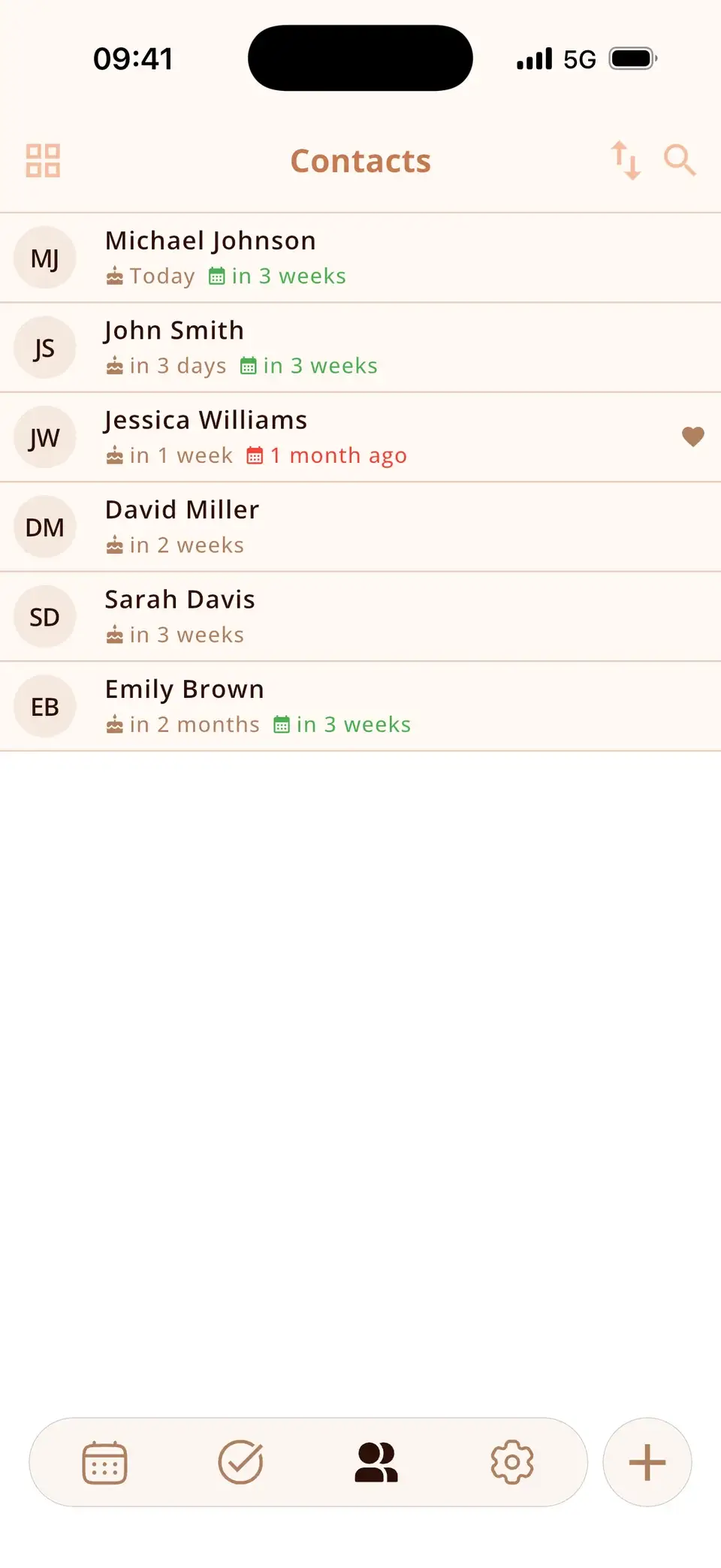
Count down to the big ones
Pin a birthday as a countdown and it stays at the top of your calendar – plenty of time for a present.
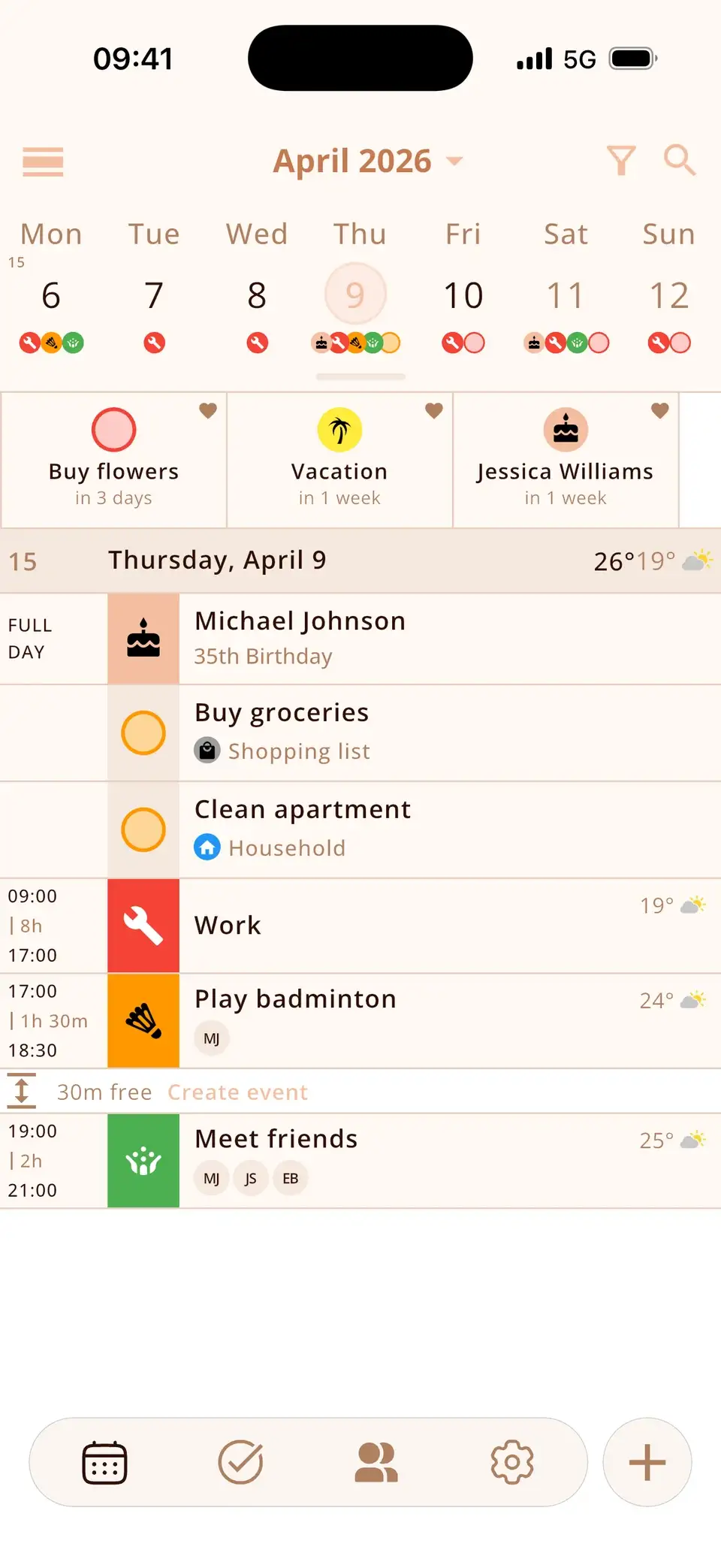
Birthdays on your home screen
The Birthdays widget shows who's next – today, in 3 days, in 2 weeks – in small, medium or large. Pinned birthdays also appear in the Countdown widget.


Missing a birthday?
Add it to the contact – in Miracal or your contacts app – and it shows up from then on, on every phone you use.
At a glance
Every birthday in your calendar
Automatically from your contacts – with the age they're turning.
From your contacts
iCloud, Google or local.


Reminder on the day
So no greeting comes too late.
Birthday widget
Small, medium or large.

As a countdown
Pin important birthdays to the top.

And see friends again
A reminder when it's been too long.
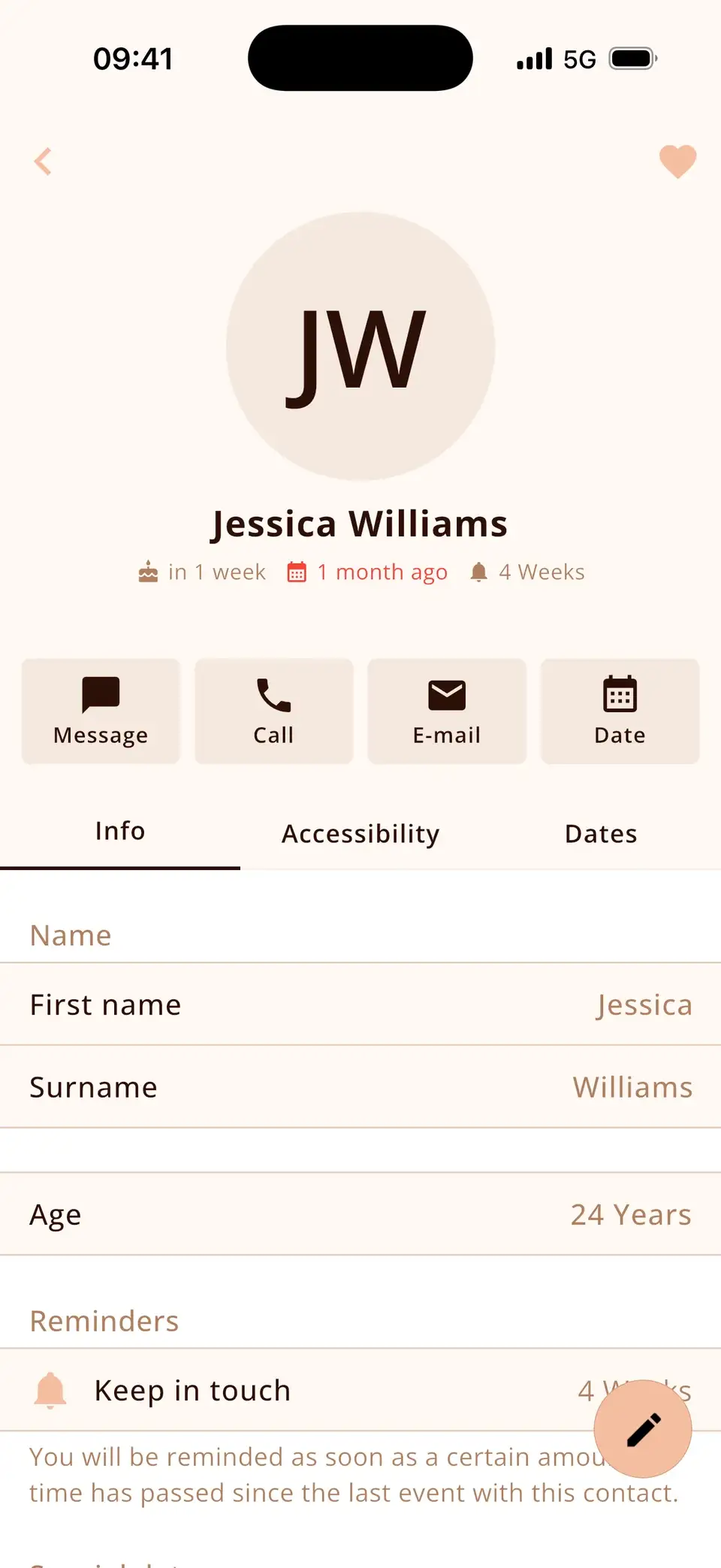
Free, no limit
Birthdays, reminders and the widget are part of the free version.
$0
Good to know
- Miracal shows birthdays stored in your phone's contacts; birthdays from social networks can't be imported.
- Birthdays saved without a year are shown without an age.
Details & how-to
Where do the birthdays come from?
From your phone's contacts. Every contact with a birthday appears in the calendar automatically – with the age they're turning if the year is saved. Add or change a birthday in Miracal and it's saved to the contact too, because contacts sync in both directions.
How do I get notified?
Miracal sends a birthday notification on the day. You can also turn on a daily agenda for today or tomorrow at a time you choose. From the contact page you can message or call in one tap.
Birthday widget and countdowns
The birthday widget (small, medium or large) shows who's next – today, tomorrow or in how many days. Pin an important birthday as a countdown at the top of your calendar to see the days counting down.
Birthdays missing?
Check that the contact has a birthday saved and that Miracal has access to your contacts. Birthdays from Facebook or other social networks can't be imported – add them to the contact once. Step-by-step guide for iPhone, Android, Google and Outlook.
What users say
“Everything you need – well organised, very intuitive. I love it!”
Translated from Spanish
“All my appointments, to-dos and birthdays at a glance! Great!”
Translated from German
Selected reviews from the App Store and Google Play. Excerpts are verbatim; translations are ours.
Frequently asked questions
How do I get birthdays into Miracal?
Miracal shows the birthdays stored in your phone's contacts automatically. To add one, enter it in the contact.
Does it work with Google and iCloud contacts?
Yes – with all contacts available on your phone, whether stored in iCloud, Google or locally.
Are birthday reminders free?
Yes. Birthdays, reminders and the birthday widget are free, with no limit.
Is there a birthday widget?
Yes. On iPhone in small, medium and large; on Android freely resizable.
Never miss a birthday again.
Free for iPhone and Android – every birthday, no limit.
Free download · iPhone & Android