
A planner app for ADHD: your whole day at a glance
With ADHD, a plan only helps if you actually see it. These calendar tips make your day visible: everything in one place, icons instead of grey text, time you can feel, and reminders that do the remembering. Plus an honest look at which app fits which need – including Miracal.
Why a normal calendar often doesn't work
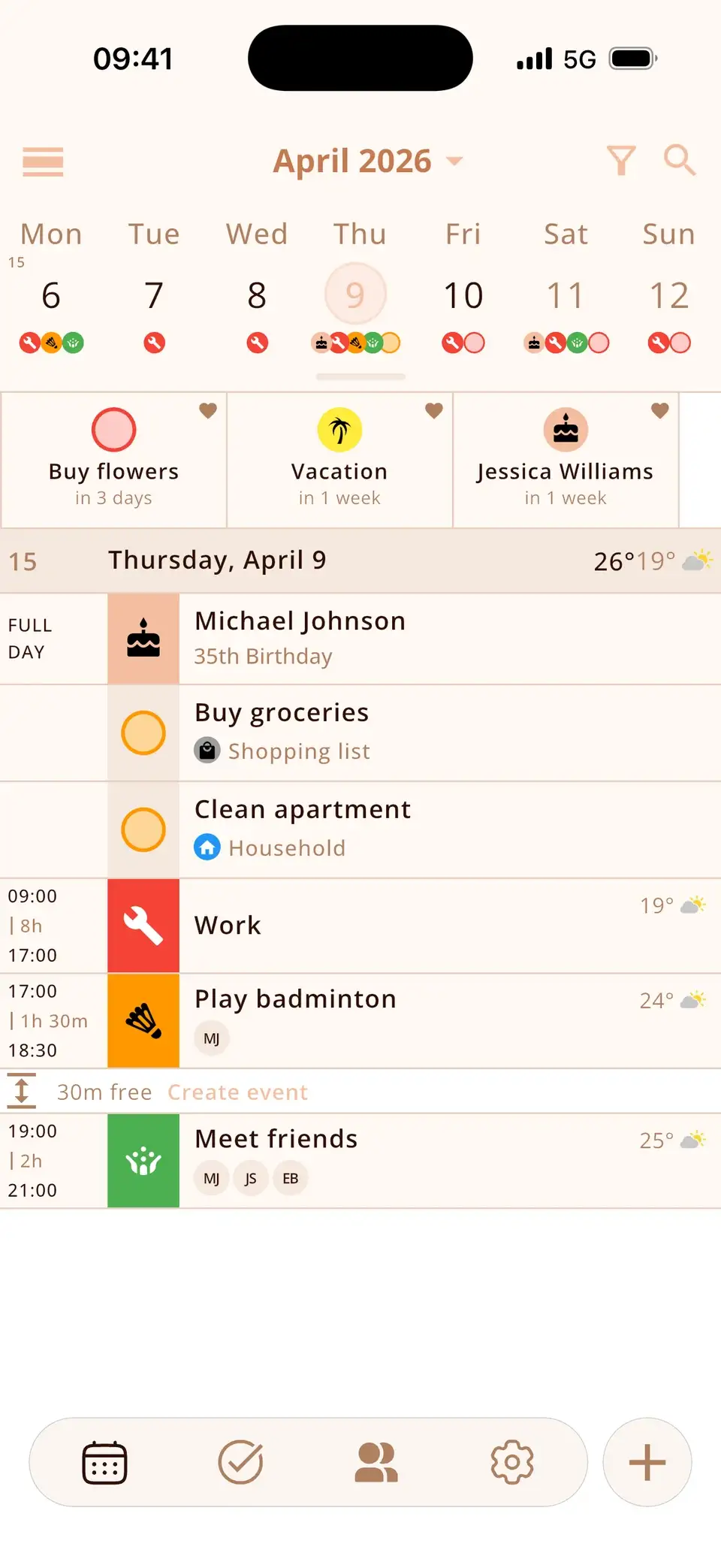
Many people with ADHD know the pattern: appointments live in the work calendar, family plans in a shared one, tasks on a sticky note and birthdays in your head. Whatever you don't see, you forget – out of sight, out of mind.
Time is also hard to feel. “In three days” and “in three weeks” can feel the same until it's suddenly tomorrow. And a grey grid full of identical entries is easy to skim past.
Tip 1: Put everything on one screen
The fewer places you have to check, the less slips through. Bring your calendars – work, private, family – together in one app, and add what usually lives elsewhere: to-dos, birthdays, countdowns.
In Miracal, iCloud, Google and Outlook calendars, tasks and the birthdays from your contacts appear in one timeline. The free version syncs one calendar; PRO shows all of them.
Tip 2: Make your days visual
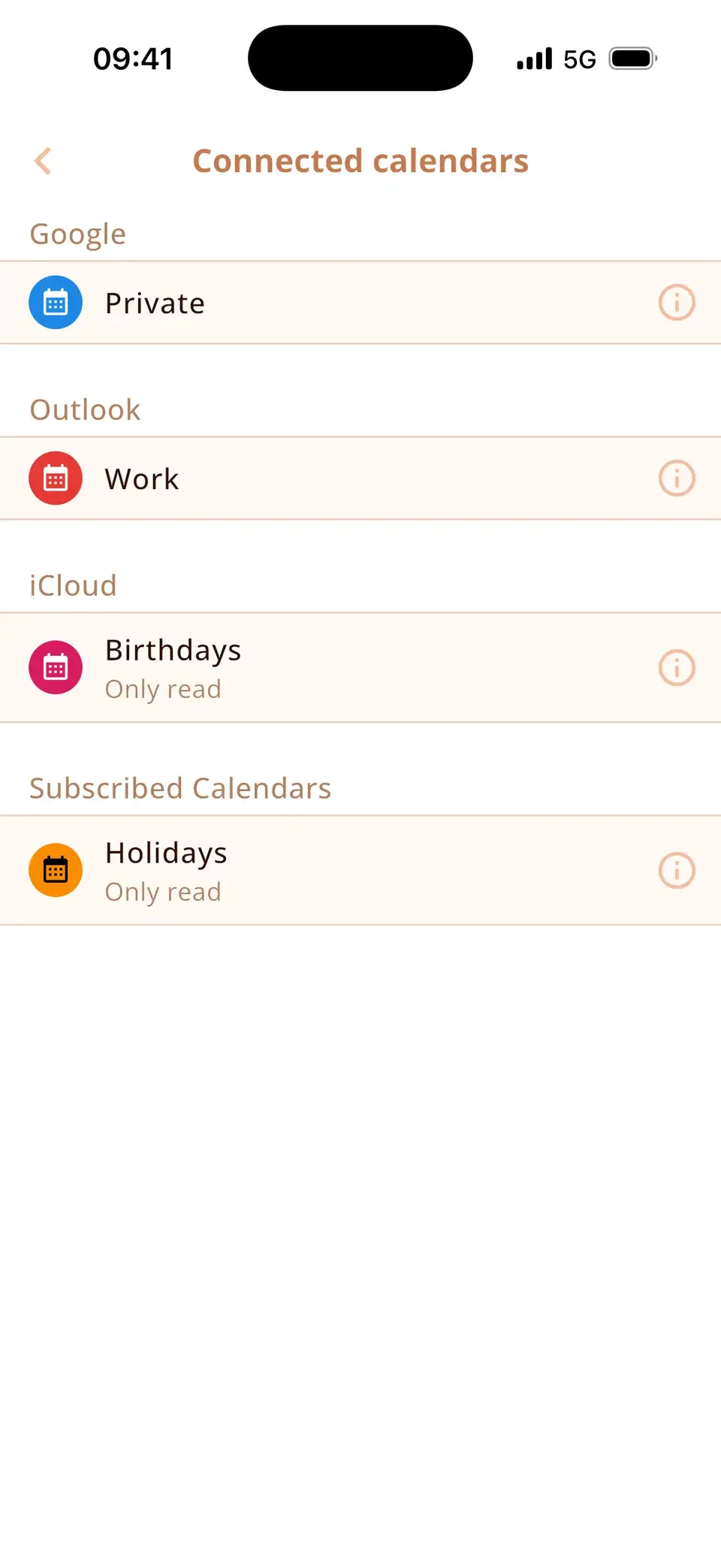
Pictures are faster than words. An icon for the dentist, the gym or a flight lets you recognise an event before you've read it, and colours separate work from private at a glance.
Miracal adds a matching icon automatically while you type the title, and each calendar has its own colour. Empty days can be hidden, so the list stays short.
Tip 3: Make time visible
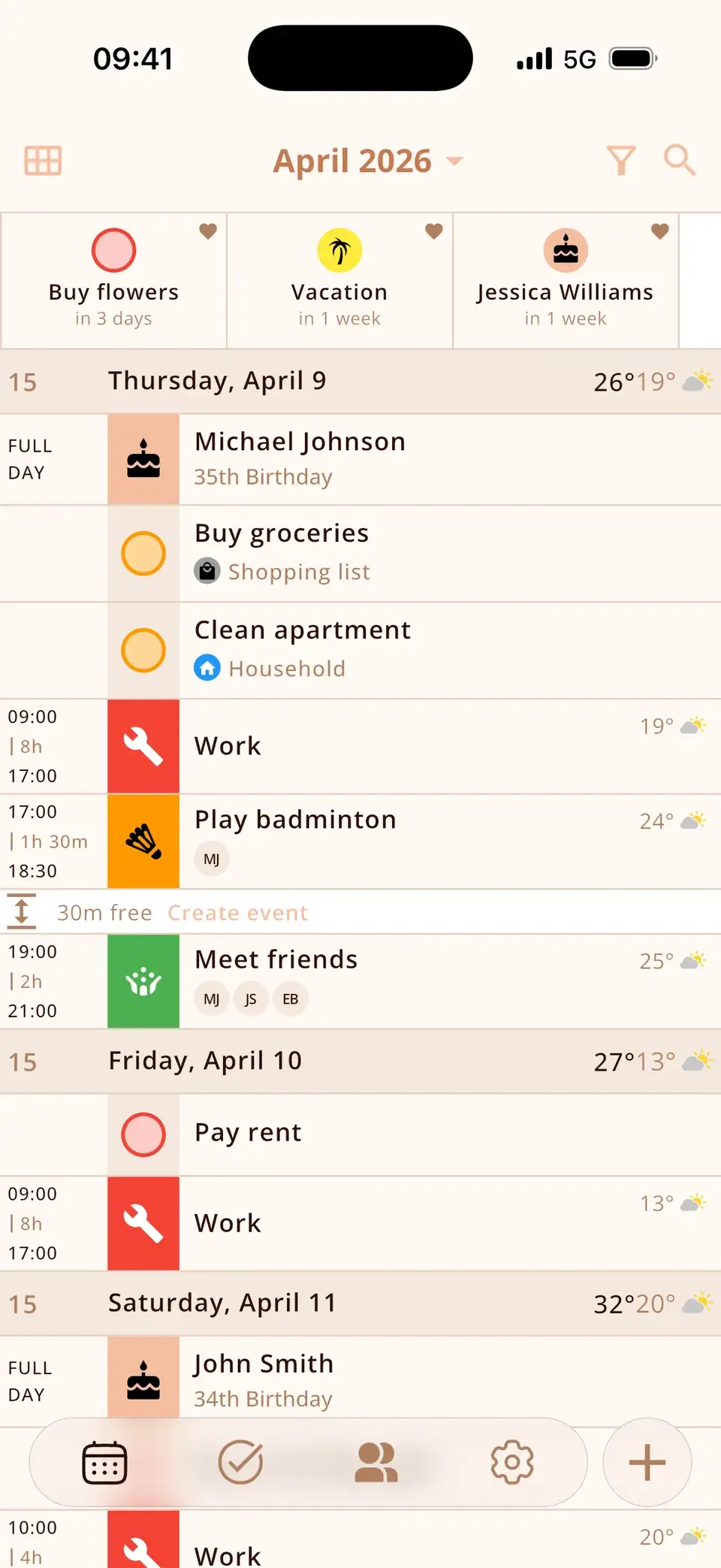
Countdowns turn “sometime soon” into a number: “holiday in 12 days”, “deadline in 3 days”. A week view shows what's coming before it's suddenly today, and free slots show where there's room – “2 h free”.
In Miracal you can pin any event, task or birthday as a countdown at the top of your calendar, and expand the week view to up to four weeks.
Tip 4: Let your phone do the remembering
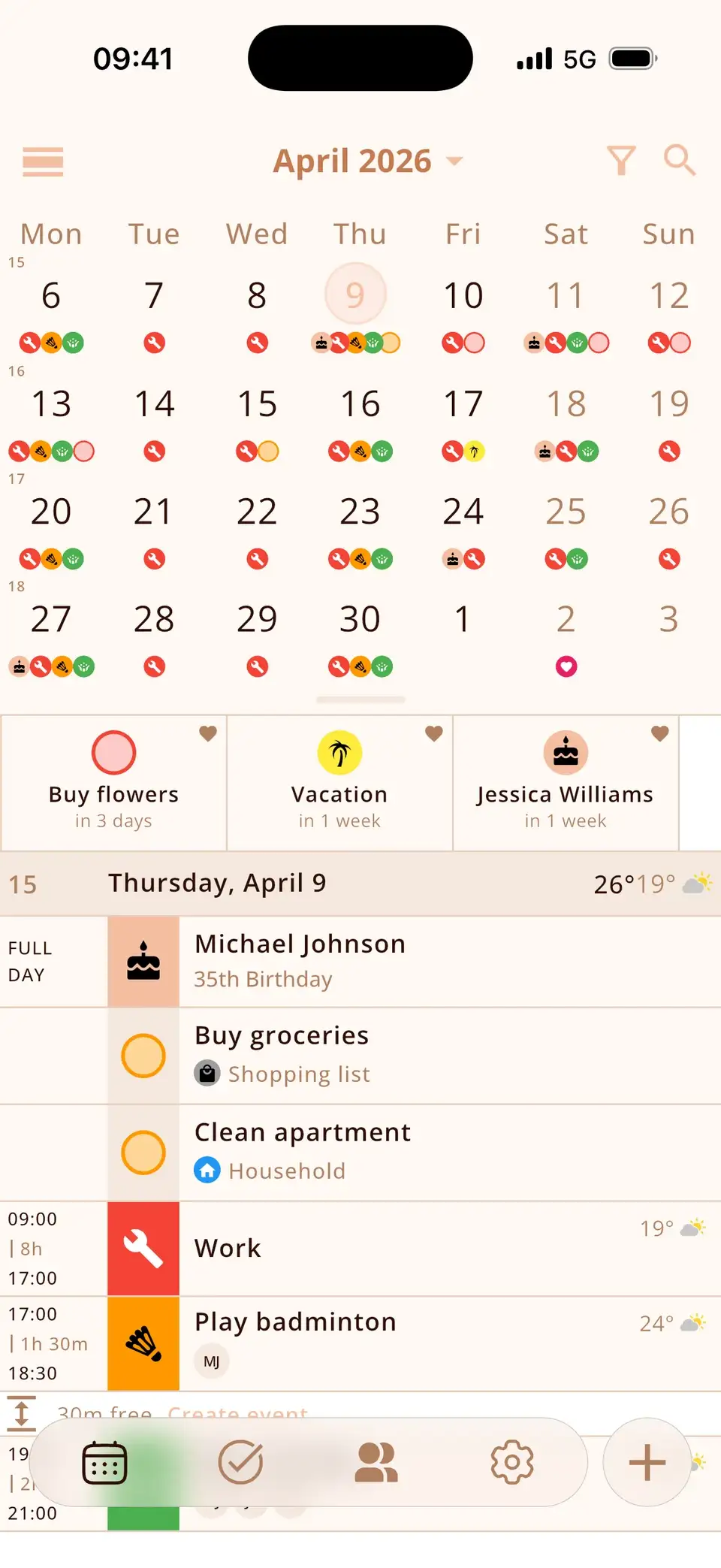
- Reminders: give every appointment an alert. Miracal's free version reminds you when an event starts; with PRO you can add several, for example a day and an hour before.
- Birthdays: Miracal shows them automatically from your contacts, with the age and a notification on the day.
- Widgets: put “today & tomorrow” on your home screen and your next event on the lock screen – you see it every time you pick up your phone. How to add a calendar widget.


Tip 5: Keep the system light
The perfect planner you abandon after a week helps less than a simple one you keep looking at. Start small: one widget, one calendar, the next three days.
Miracal needs no account and no setup – install it, allow access to your calendar, and your existing appointments are there.
Which app fits which need?
- Tiimo – a visual planner made for neurodivergent people, with routines, timers and a visual timeline. A good fit if daily routines are the main challenge.
- Structured – puts tasks and appointments on a visual timeline for the day. A good fit if you plan your day block by block.
- Todoist – a task manager. A good fit if the to-do list is the problem, not the calendar.
- Apple or Google Calendar – free and built in. Enough if one calendar is all you need.
- Miracal – your existing calendars, birthdays, tasks and countdowns on one screen, with icons. A good fit if your plans are spread across several apps.
Miracal is a calendar app, not a medical product. It doesn't replace a diagnosis, therapy or medication – it just makes your day easier to see.
Try Miracal for free
Calendar, tasks, birthdays and weather in one app – no account, no ads.


Frequently asked questions
Is there a calendar app for ADHD?
There's no single right app. What helps most is a calendar you actually look at: one app for everything, visual cues like icons and colours, and reminders and widgets that bring the next event to you.
What is the best planner app for ADHD?
It depends on what trips you up. For routines and timers, Tiimo; for planning the day block by block, Structured; if appointments, birthdays and tasks are spread across several apps, a calendar that shows everything in one place, like Miracal.
Is Miracal free?
Yes. The free version includes one synced calendar, up to 10 open tasks, all birthdays from your contacts, countdowns and widgets – no ads, no account. PRO adds all your calendars, recurring events, several reminders per event and the weather.
Does Miracal work with Google Calendar and Outlook?
Yes, through the accounts on your phone: iCloud, Google and Outlook/Exchange, in both directions.
Your whole day on one screen.
Free for iPhone and Android.
Free download · iPhone & Android