
A Google Calendar alternative that keeps your Google calendars
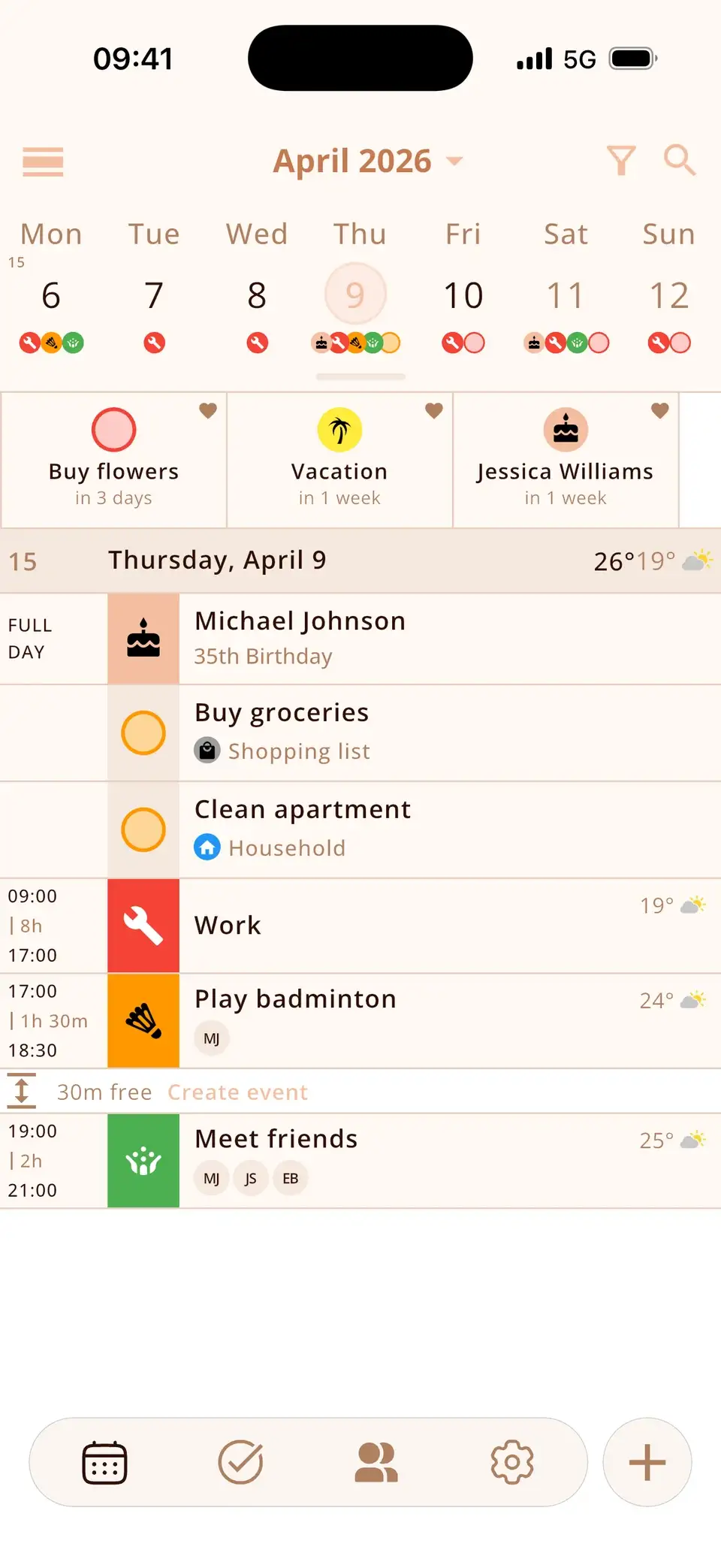
You don't have to leave Google Calendar to replace the app. Miracal shows your Google calendars – plus iCloud and Outlook – in one view and adds what Google Calendar lacks on the phone: tasks next to events, birthdays with age, weather and reminders to stay in touch. No account, no ads.
Why people look for an alternative
Google Calendar is solid and free. The complaints in app-store reviews are mostly about the phone app: birthdays without age, tasks living in a separate app, no weather, no clear overview when several accounts are involved – and the feeling that a Google account is required for everything.
Google Calendar vs. Miracal
| Google Calendar | Miracal | |
|---|---|---|
| Shows your Google calendars | Yes | Yes (two-way) |
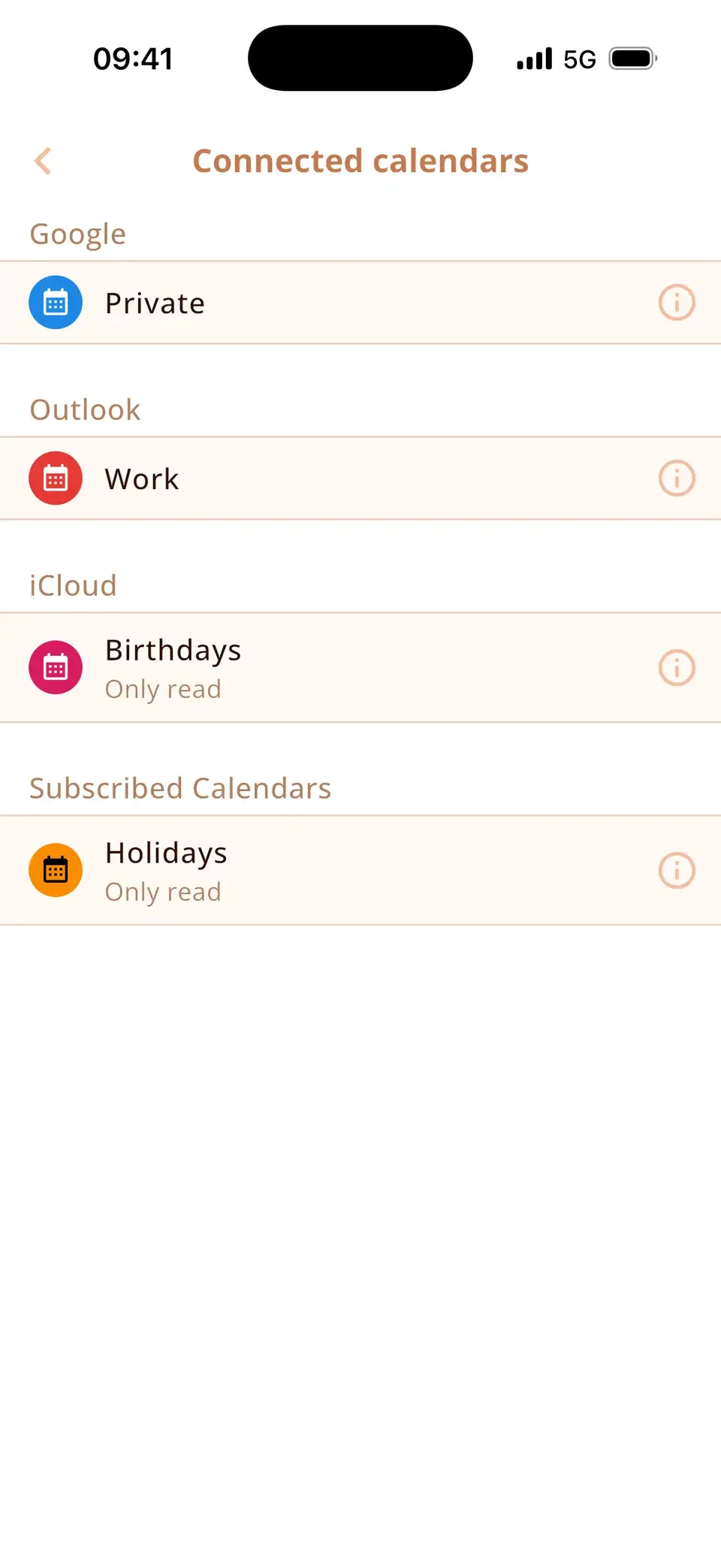
| iCloud and Outlook calendars too | Only via workarounds | Yes, in the same view |
| Tasks in the calendar | Google Tasks | Tasks with lists, priorities, subtasks |
| Birthdays with age | Birthdays, no age | Yes, with reminder |
| Weather forecast | No | Yes (PRO) |
| Stay-in-touch reminders | No | Yes |
| Web / desktop | Yes | No |
| Account required | Google account | None |
| Price | Free | Free; PRO optional |
You keep your Google Calendar
Miracal doesn't import or move anything. It shows the Google calendars that are set up on your phone and writes changes back, so your events stay in Google – visible on the web, in Gmail and on any other device.
Where Google Calendar is the better choice
If you plan at a desk, Google Calendar's web version has no counterpart in Miracal – there's no web or desktop app. Shared team calendars, appointment booking pages and Google Workspace features also stay Google's domain. Miracal is a phone app for people who want their calendar, tasks and people in one place.
Try Miracal for free
Calendar, tasks, birthdays and weather in one app – no account, no ads.


Frequently asked questions
Does Miracal sync with Google Calendar?
Yes, both ways, via the Google account on your phone. Events you create in Miracal appear in Google Calendar and vice versa.
Can I use Miracal without a Google account?
Yes. Miracal needs no account at all. Without a Google account it shows your iCloud, Outlook or local calendars.
Is Miracal free?
Yes. The free version includes one synced calendar, up to 10 open tasks and all birthdays. PRO adds unlimited calendars, recurring events, weather and more.
Your Google calendars – in a better app.
Free for iPhone and Android.
Free download · iPhone & Android