
How to add Google Calendar to iPhone
Open Settings → Apps → Calendar → Calendar Accounts → Add Account → Google, sign in and turn on Calendars. Your Google events then appear in the iPhone's Calendar app and in every calendar app that reads it. Shared Google calendars need one more step on Google's sync page.
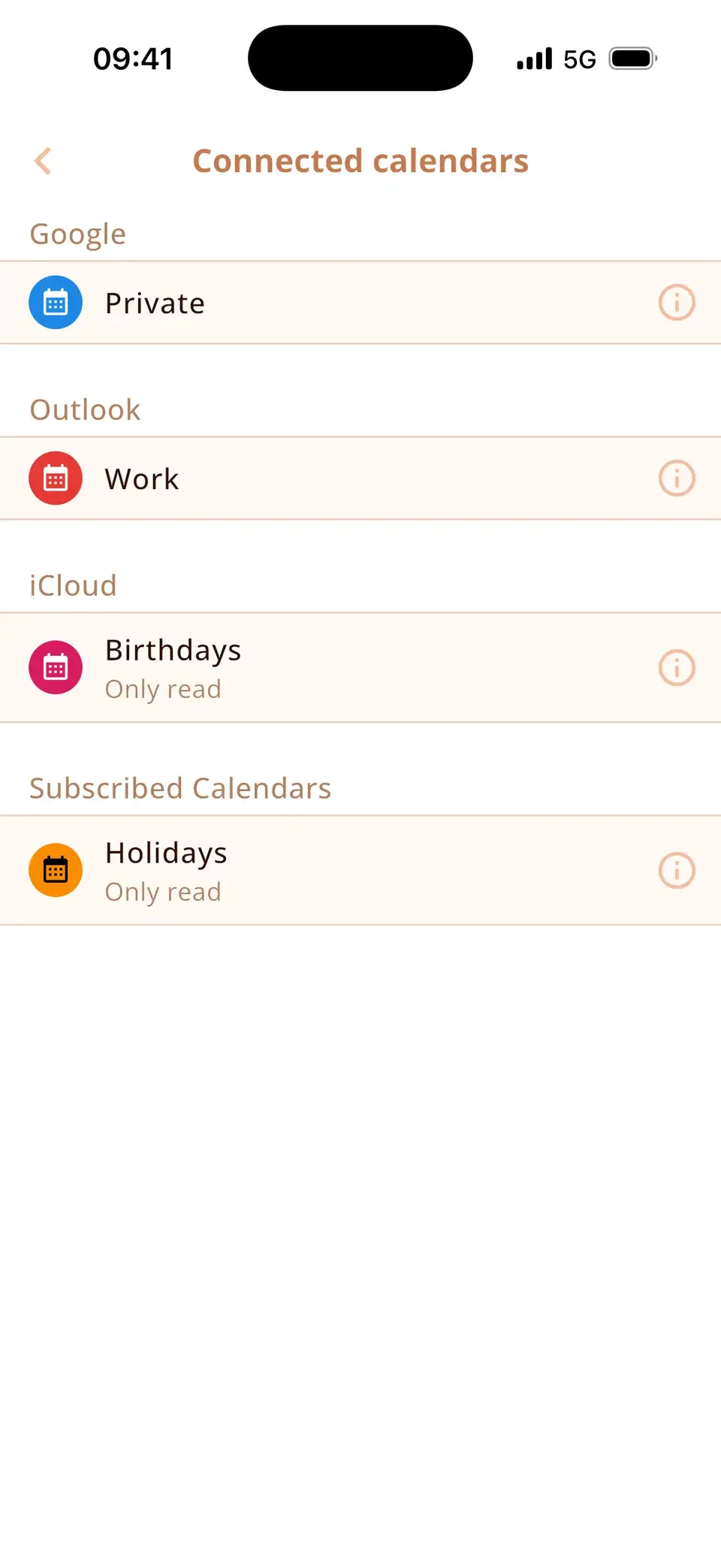
Add your Google account
- Open Settings → Apps → Calendar → Calendar Accounts (on iOS 17: Settings → Calendar → Accounts).
- Tap Add Account → Google and sign in.
- Turn on Calendars and tap Save.
- Open the Calendar app, tap Calendars and tick the Google calendars you want to see.
Changes go both ways: an event you create on the iPhone in a Google calendar shows up in Google Calendar on the web, and vice versa.
Google Calendar app or Google account?
You can also install the Google Calendar app. It shows your Google calendars – but only those. Adding the account in Settings puts Google events into the iPhone's own calendar, where widgets, Siri and other calendar apps can see them next to iCloud and Outlook.
Google Calendar not syncing with iPhone?
- Calendars switch: in Settings → Apps → Calendar → Calendar Accounts → your Google account, Calendars must be on.
- Fetch New Data: in Calendar Accounts → Fetch New Data, set Google to Automatically (or a short interval).
- Hidden calendar: in the Calendar app under Calendars, the Google calendar must be ticked.
- Old events missing: Settings → Apps → Calendar → Sync → All Events.
- Still stuck: remove the Google account (Calendar Accounts → account → Delete Account) and add it again. Your events stay safe at Google.
Google, iCloud and Outlook in one calendar
Miracal reads the same calendars as the iPhone, so your Google events appear next to iCloud and Outlook – with icons, your tasks and the birthdays from your contacts. Nothing else to set up. The free version syncs one calendar, PRO all of them.
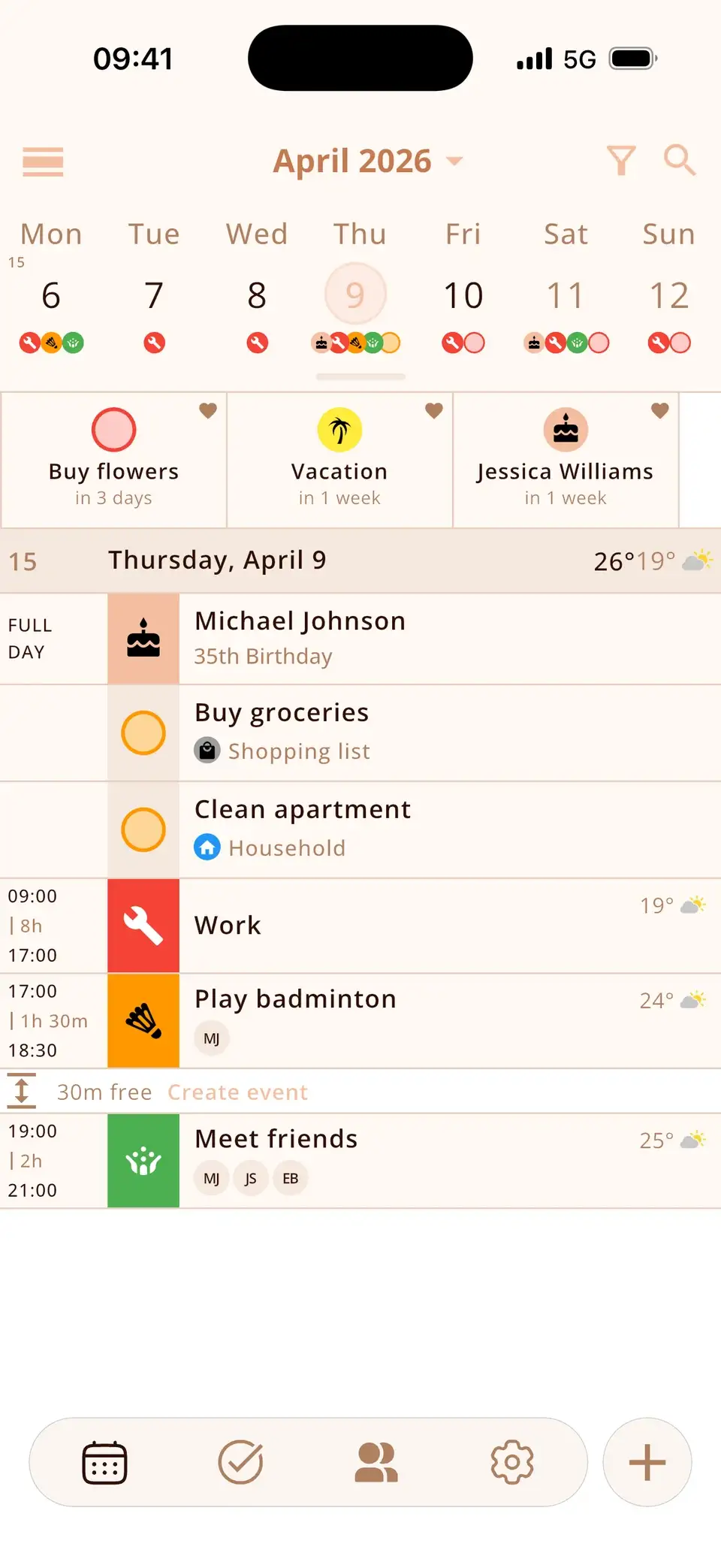
Try Miracal for free
Calendar, tasks, birthdays and weather in one app – no account, no ads.


Frequently asked questions
Is Google Calendar free on iPhone?
Yes. Adding a Google account to the iPhone's calendar costs nothing, and the Google Calendar app is free too.
Why do only some of my Google calendars show up?
Shared and subscribed Google calendars have to be selected on calendar.google.com/calendar/syncselect before the iPhone receives them. Also check that they're ticked in the Calendar app.
Does deleting the Google account on the iPhone delete my events?
No. It only removes them from the iPhone. They stay in your Google account and come back when you add the account again.
Google, iCloud and Outlook in one view.
Free for iPhone and Android.
Free download · iPhone & Android