
How to add an Outlook calendar to iPhone
Open Settings → Apps → Calendar → Calendar Accounts → Add Account and choose Microsoft Exchange for a work or school account, or Outlook.com for a personal one. Sign in, turn on Calendars, and your Outlook events appear in the iPhone's calendar – in both directions.
Add your Outlook or Microsoft 365 account
- Open Settings → Apps → Calendar → Calendar Accounts (on iOS 17: Settings → Calendar → Accounts).
- Tap Add Account and choose Microsoft Exchange for a work or school account (Microsoft 365) or Outlook.com for a personal account (also Hotmail and Live).
- Sign in. Your company may ask you to confirm access.
- Turn on Calendars and tap Save.
Meetings you accept in Outlook now appear in the iPhone's Calendar app, and events you create there in the Outlook calendar sync back.
When your company blocks it
Some employers only allow the Outlook app on personal phones. Then adding the account in Settings fails or the calendar stays empty – that's a company policy, not an iPhone problem. In that case, your work calendar is only available in the Outlook app; ask your IT department whether syncing to the iPhone's calendar is allowed.
Outlook calendar not syncing with iPhone?
- Calendars switch: in Settings → Apps → Calendar → Calendar Accounts → your Outlook account, Calendars must be on.
- Fetch New Data: in Calendar Accounts → Fetch New Data, set the account to Push where available.
- Hidden calendar: in the Calendar app under Calendars, tick the Outlook calendars.
- Old events missing: Settings → Apps → Calendar → Sync → All Events.
- Password changed: remove the account (Delete Account) and add it again – events stay on the server.
Work and private on one screen
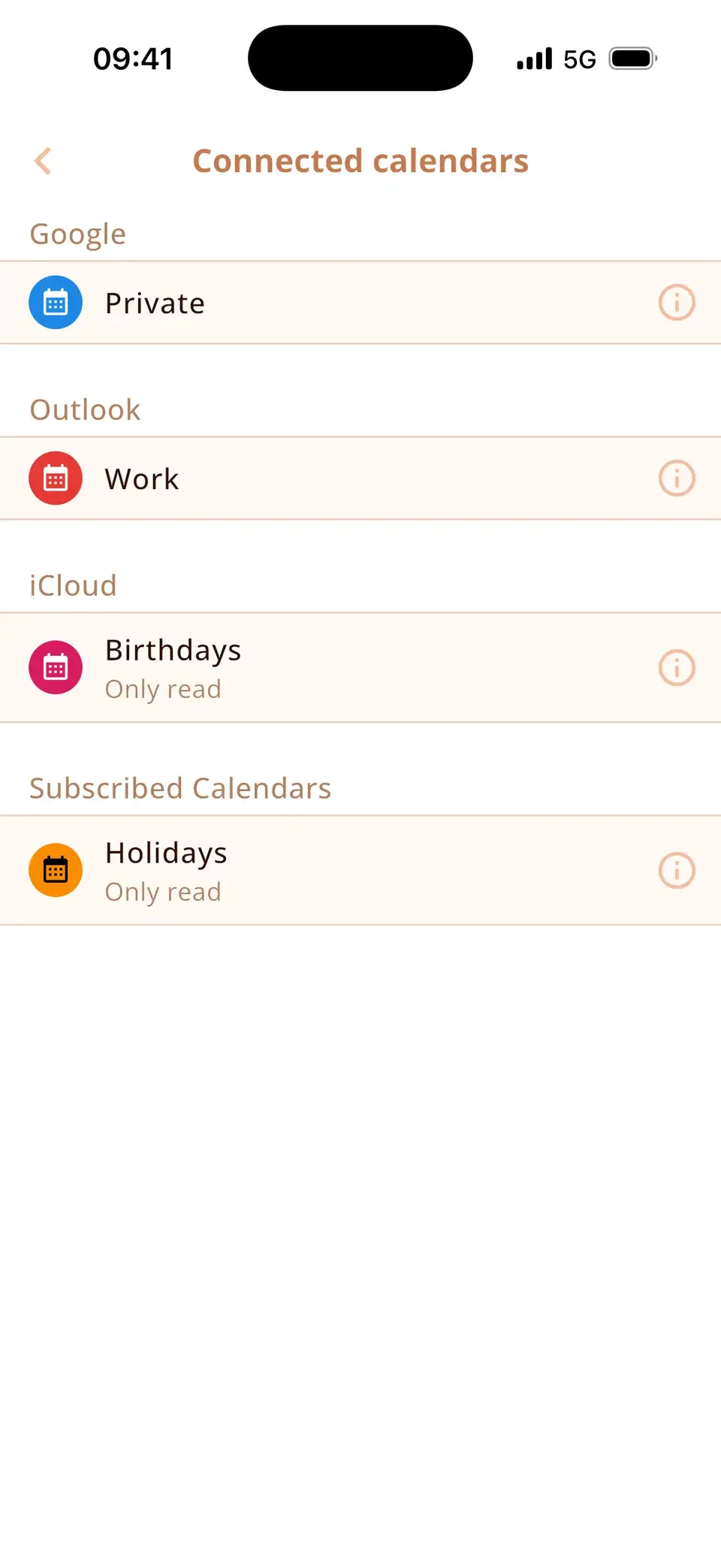
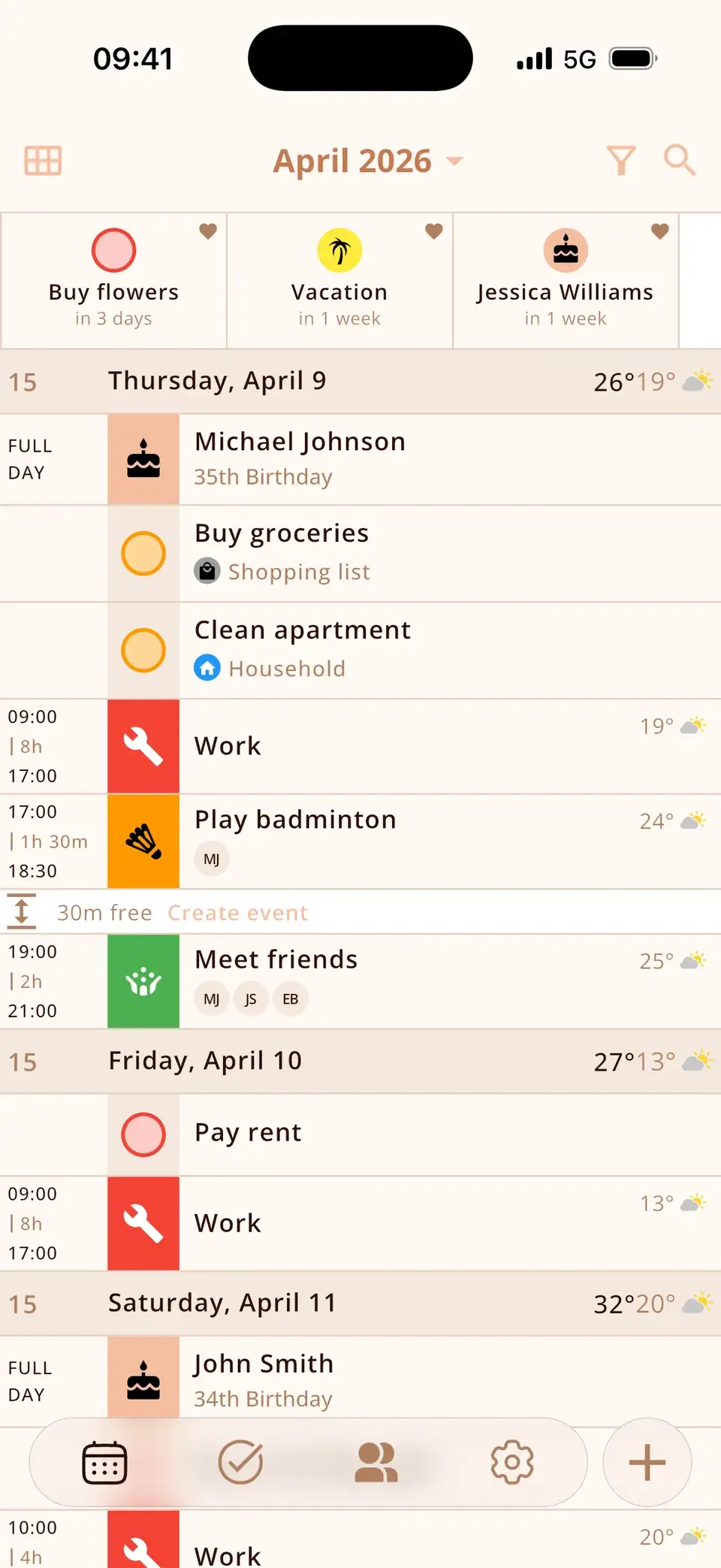
Miracal shows your Outlook calendar next to iCloud and Google, with icons, tasks and the birthdays from your contacts – so work meetings and private plans are in one timeline. The free version syncs one calendar, PRO all of them.
Try Miracal for free
Calendar, tasks, birthdays and weather in one app – no account, no ads.


Frequently asked questions
Exchange or Outlook.com – which one do I choose?
Work or school accounts (Microsoft 365, company email) use Microsoft Exchange. Personal accounts ending in outlook.com, hotmail.com or live.com use Outlook.com.
Can I see my Outlook calendar without the Outlook app?
Yes – once the account is added in Settings, the Outlook calendar appears in the iPhone's Calendar app and in other calendar apps, unless your company only allows the Outlook app.
Will removing the account delete my Outlook events?
No. They stay on the Outlook/Exchange server and return when you add the account again.
Work and private calendars in one view.
Free for iPhone and Android.
Free download · iPhone & Android