
Apple Reminders
 Apple Reminders
Apple Reminders in your calendar
On iPhone, Miracal syncs a Reminders list in both directions. Reminders with a due date appear in your calendar next to your events – free, no account needed.


Free download · iPhone & Android
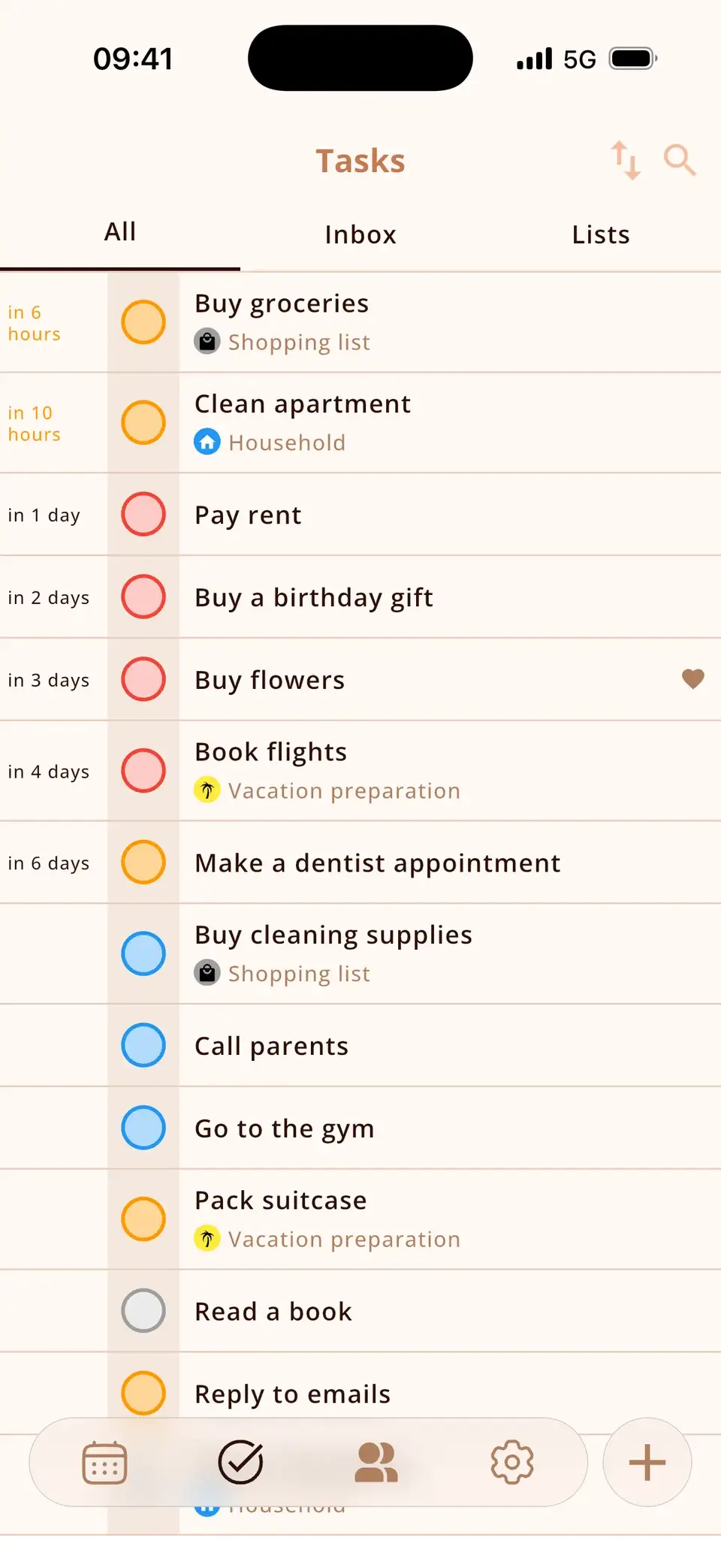
Two apps, one view
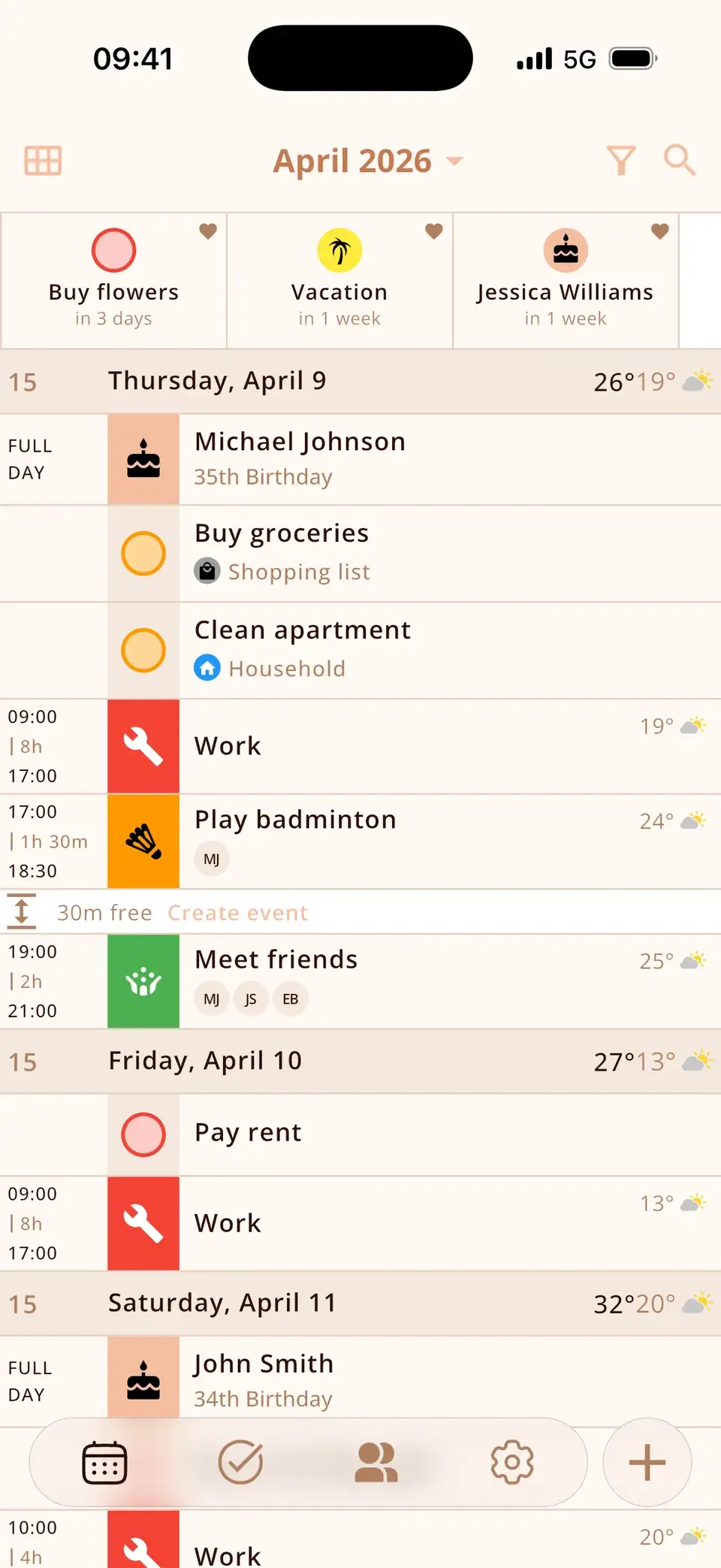
Miracal brings your Apple Reminders into your calendar – one app for your appointments and your to-dos.
- Due reminders sit at the top of their day
- Below them: your events from iCloud, Google and Outlook
- Ticked off in Miracal = done in Reminders
- Changes sync both ways
Set up in seconds
Pick a Reminders list in Miracal's settings – that's it.
- Two-way: title, notes, due date, priority, completion
- Repeating reminders keep their rule
- Siri, Mac and Apple Watch keep working
- Per-task switch to keep a task Miracal-only
At a glance
Reminders in your day
With a date, they sit next to your events.
Both directions
Ticked off is ticked off – everywhere.


Siri, Mac & Watch
Keep working as usual.
Your list
Reminders list is synced
1
On iPhone
Free, no account.
What's synced
- Title
- Notes
- Due date
- Priority
- Repeat rule
- Completed
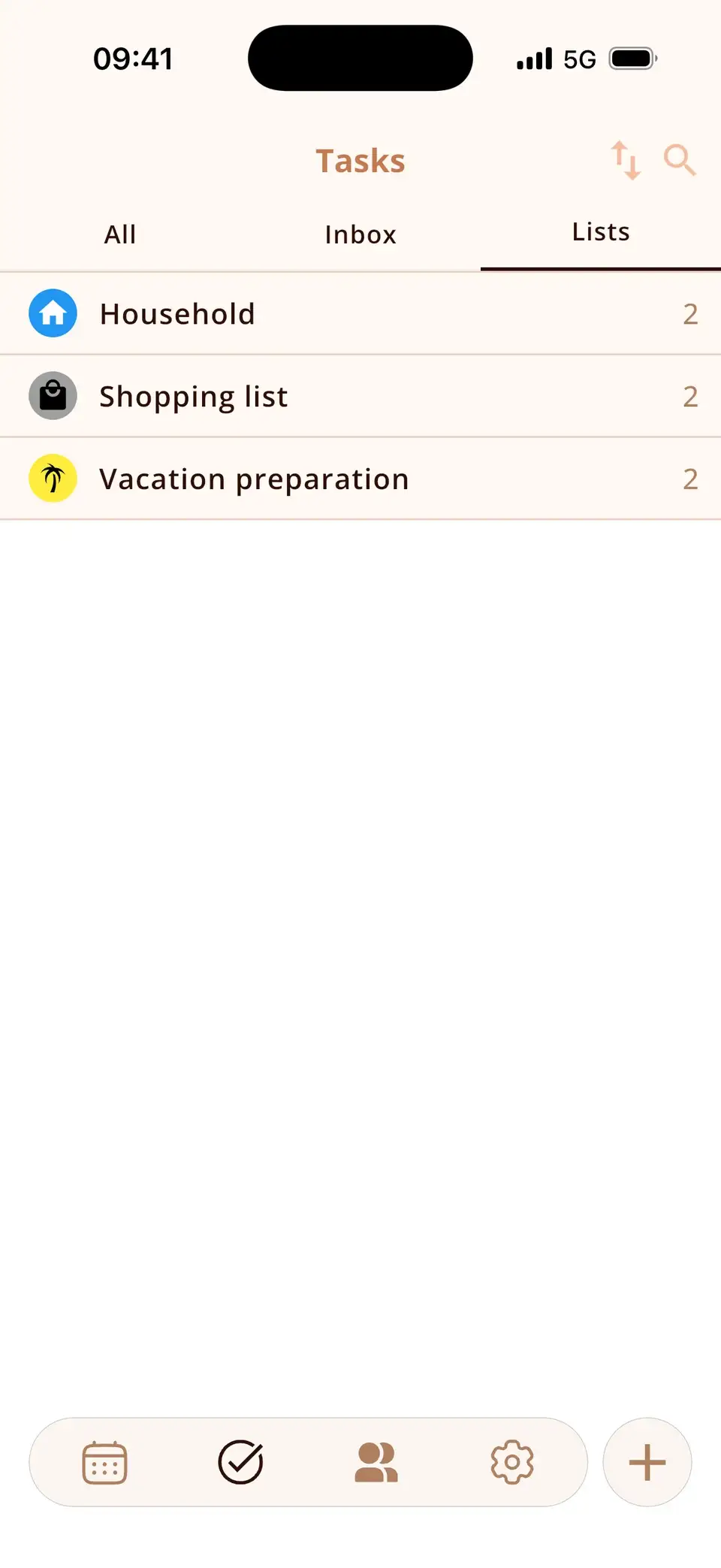
Plus lists in Miracal
Good to know
- iPhone only.
- One Reminders list at a time.
- Subtasks aren't synced; no Microsoft To Do or Google Tasks.
Details & how-to
Step by step: turn on the sync
- Open Miracal's settings and go to Tasks.
- Turn on the Apple Reminders sync and allow access to Reminders.
- Pick the list you want to see in Miracal.
Reminders with a due date then appear in your calendar; reminders without a date are in the task list.
What is synced?
Title, notes, due date, priority, repeat rule and completion – in both directions. If you tick off a reminder on your Apple Watch, it's done in Miracal too. Subtasks are not synced, and each task has a switch to keep it in Miracal only.
What about Android, Google Tasks or Microsoft To Do?
The Reminders sync is iPhone-only, because Apple Reminders only exists there. Miracal doesn't sync with Google Tasks or Microsoft To Do – on Android you use Miracal's own task lists.
Can I keep using Siri?
Yes. “Hey Siri, remind me to call Mum tomorrow at 6” creates a reminder in Apple Reminders – if it's in the synced list, it appears in Miracal's calendar shortly after. The same goes for reminders created on your Mac or Apple Watch.
Frequently asked questions
Can I see Apple Reminders in my calendar?
Yes. In Miracal, reminders with a due date appear next to your events. Apple's own Calendar app can show scheduled reminders since iOS 18, too – Miracal adds birthdays, weather and task lists in the same view.
Does the sync work both ways?
Yes, including completing a task.
Is it a PRO feature?
No, the sync itself is free. The free version includes up to 10 open tasks.
Your reminders, right in your day.
Free for iPhone – no account, no ads.
Free download · iPhone & Android