
Show contact birthdays in your calendar
Most phones can show the birthdays stored in your contacts as a calendar – but you have to switch it on, and reminders and ages are often missing. Here's how it works on iPhone, Android, Google Calendar and Outlook, and why many people just use Miracal for it.
iPhone (Apple Calendar)
- Open the Calendar app and tap Calendars at the bottom.
- Tick Birthdays under “Other”.
- For a reminder: Settings → Apps → Calendar → Default Alert Times → Birthdays.
Birthdays only appear if they're saved in the contact with a date. Apple Calendar shows the age only in the event details.
Android (Google Calendar & Samsung Calendar)
Google Calendar: Menu → Settings → Birthdays → choose “Contacts” (birthdays from your Google contacts). Birthdays appear as all-day events; a reminder has to be set in the Birthdays settings.
Samsung Calendar: Menu → Manage calendars → turn on Contacts' birthdays.
Birthdays saved only on the phone (not in a Google account) often don't show up in Google Calendar – a common reason for “my birthdays are missing”.
Outlook
Outlook creates a Birthdays calendar from your Outlook contacts. In Outlook on the web: Calendar → Add calendar → Birthdays. On the phone the Outlook app can sync this calendar to the system calendar (account → Sync calendars), so other apps see it too.
Miracal: birthdays appear by themselves
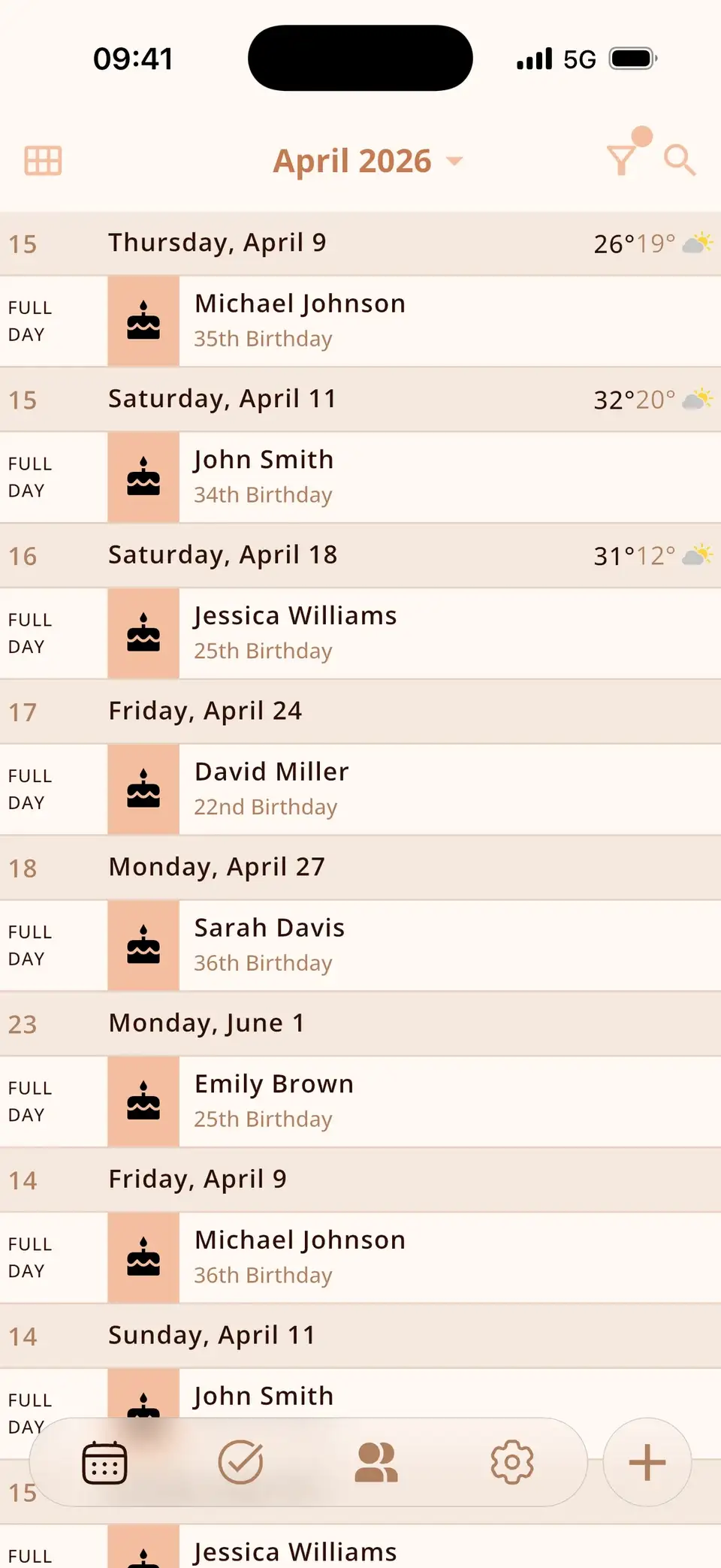
Miracal reads every contact on your phone – iCloud, Google or local – and shows the birthdays in your calendar automatically, together with your events and tasks. Nothing to switch on.
- The age the person is turning is shown right in the calendar.
- A notification on the day at a time you choose.
- A birthday widget for the home screen, and countdowns for the important ones.
- Free, with no limit on the number of birthdays.
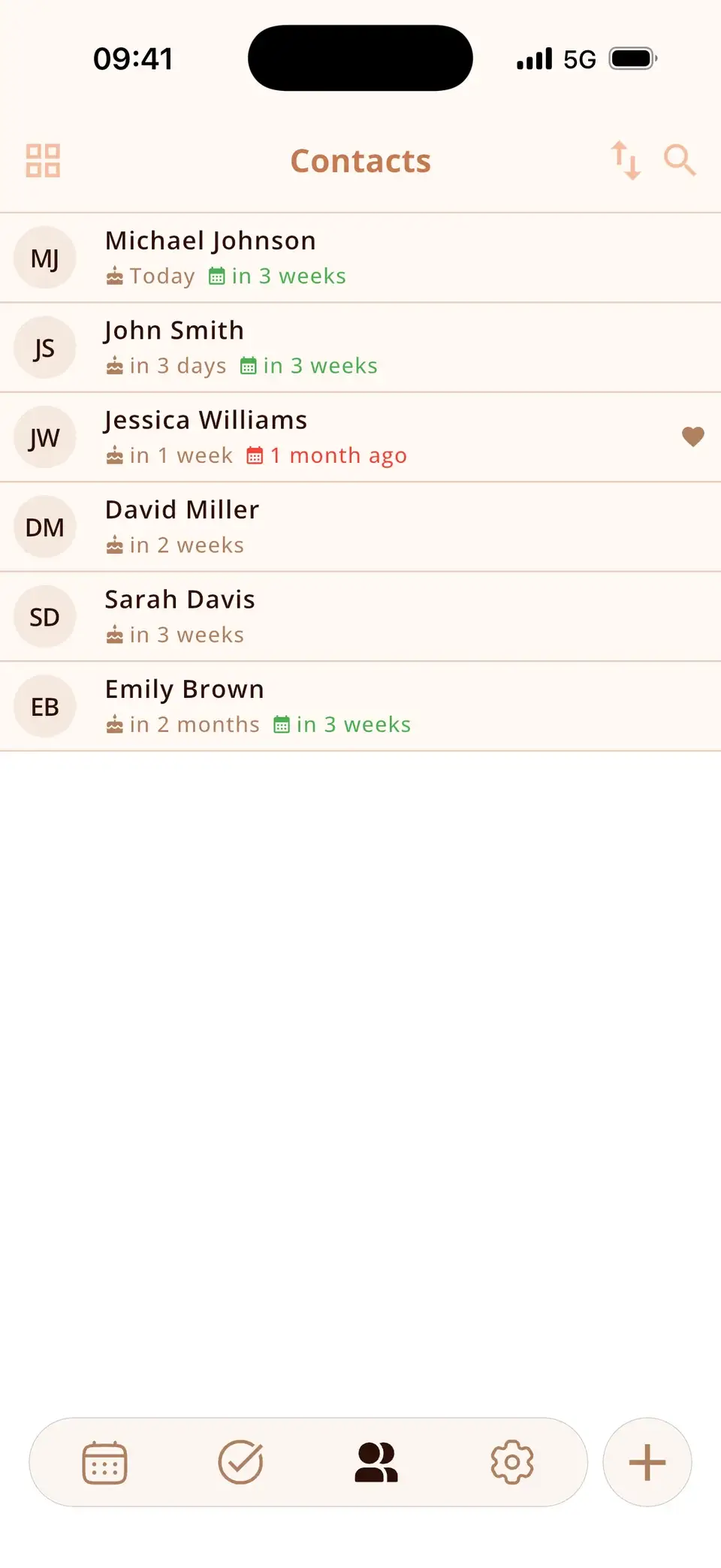
A birthday is missing?
Then it isn't stored in the contact yet. Open the contact and add the birthday – with or without a year. Birthdays from social networks aren't available to calendar apps; the people closest to you are worth the two minutes it takes to save their dates.
Try Miracal for free
Calendar, tasks, birthdays and weather in one app – no account, no ads.


Frequently asked questions
Why doesn't my calendar show birthdays?
Usually the birthday calendar is switched off, or the birthdays are stored in a contact account the calendar doesn't read (e.g. local phone contacts vs. Google). Check the calendar list and the contact's account.
Can I get a reminder before a birthday?
Apple and Google Calendar allow a default alert for birthdays. Miracal sends a notification on the day and lets you pin birthdays as countdowns.
Does the calendar show how old someone turns?
Apple Calendar only in the event details, Google Calendar not at all. Miracal shows the age directly in the calendar and in the notification.
Every birthday, automatically in your calendar.
Free for iPhone and Android.
Free download · iPhone & Android