
iPhone calendar events disappeared – what to do
Most “lost” events aren't deleted: their calendar is hidden, the iPhone only syncs recent events, or an account stopped syncing. Work through the checks below in order. If events really were deleted from iCloud, you can restore an earlier version of your calendars on iCloud.com.
Check these first
- Hidden calendar: in the Calendar app, tap Calendars and tap Show All. A calendar that's unticked hides all its events.
- Old events gone: open Settings → Apps → Calendar → Sync and choose All Events. With “Events 1 Month Back”, older events disappear from the iPhone (they're still on the server).
- Account switched off: Settings → Apps → Calendar → Calendar Accounts → each account → Calendars must be on.
- Not fetching: in Calendar Accounts → Fetch New Data, set the accounts to Push or Automatically, and turn off Low Power Mode for a moment.
Check iCloud and the default calendar
- iCloud Calendar off: in Settings → your name → iCloud, make sure calendar syncing is on for this iPhone.
- Saved “On My iPhone”: events in a local calendar don't sync anywhere. Check Settings → Apps → Calendar → Default Calendar and pick an iCloud, Google or Outlook calendar for new events.
- Restart and update: restart the iPhone, make sure there's free storage and install the latest iOS.
- Re-add the account: for Google or Outlook, remove the account (Delete Account) and add it again. The events come back from the server.
Restore deleted iCloud events
iCloud keeps archived versions of your calendars. On a computer, sign in at icloud.com, open the data recovery settings and choose Restore Calendars, then pick a date from before the events disappeared. Restoring replaces your current calendars with that version on all devices, and shared calendars have to be shared again – so check first which events would be lost.
For Google and Outlook, check the web version (calendar.google.com or outlook.com). If the events are there, it's a sync problem on the iPhone; if they're gone there too, the event was deleted in the account itself.
What Miracal can and can't do here
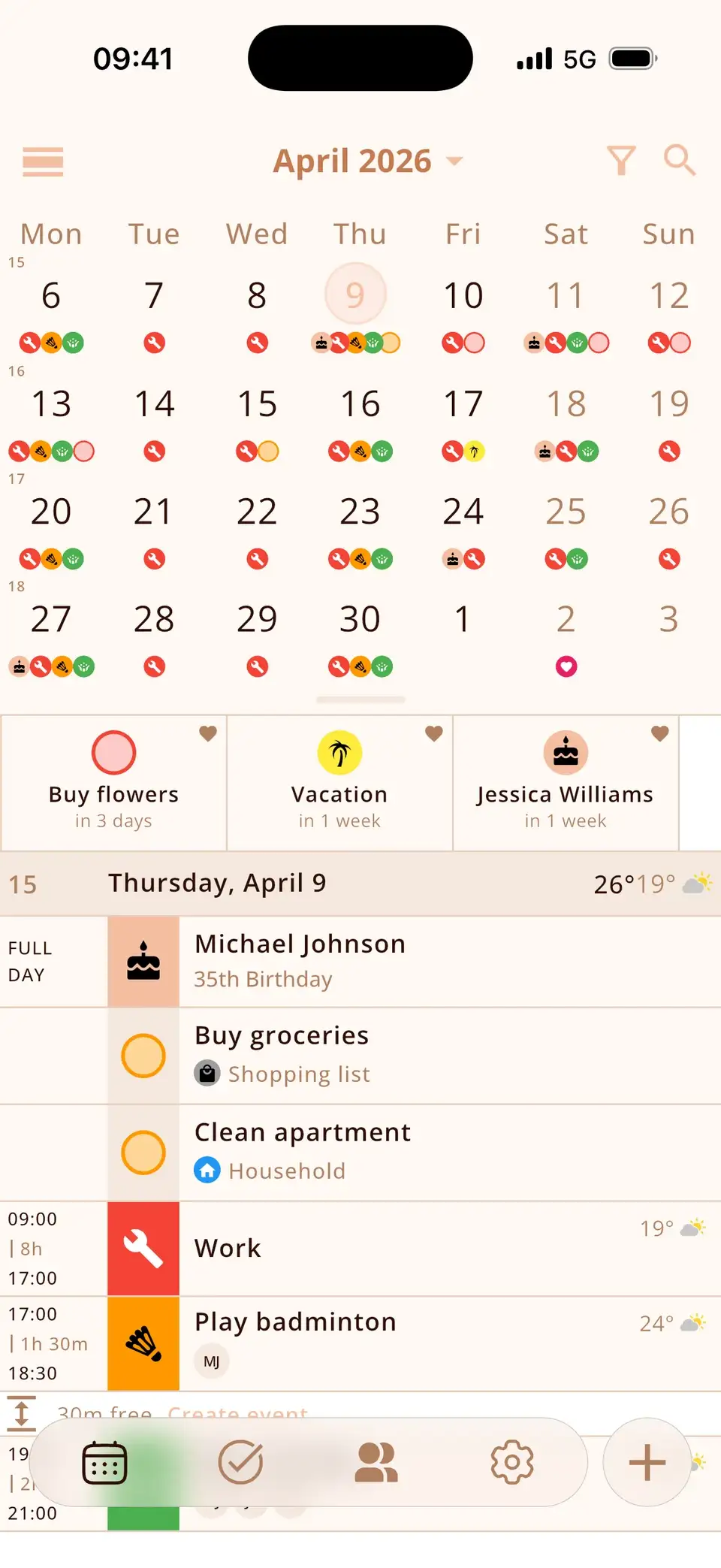
Miracal reads the same calendars as the iPhone, so it shows exactly what the iPhone has – it can't bring back deleted events and isn't a backup. Once the events are back on the iPhone, they're back in Miracal too, together with your tasks and the birthdays from your contacts.
Try Miracal for free
Calendar, tasks, birthdays and weather in one app – no account, no ads.


Frequently asked questions
Why did my old calendar events disappear on iPhone?
Usually because of the sync range: under Settings → Apps → Calendar → Sync, the iPhone only keeps events from a set period. Choose All Events to see older ones again.
Can I recover deleted calendar events on iPhone?
For iCloud calendars, yes: restore an earlier version on iCloud.com (Data Recovery → Restore Calendars). For Google and Outlook, events that are still on the server reappear when the account syncs again.
Why do events disappear after an iOS update?
Mostly because an account has to sign in again or stopped syncing. Open Calendar Accounts, check each account and enter the password if asked.
All your calendars, one clear view.
Free for iPhone and Android.
Free download · iPhone & Android