
Aesthetic
 Aesthetic
An aesthetic calendar app – because your calendar shouldn't be boring
Most calendar apps are a grey grid of text. Miracal turns the same events into something you like looking at: a matching icon for every event, warm or dark backgrounds, your theme colour and widgets in the same look. It works with the calendars you already have and is free for iPhone and Android.


Free download · iPhone & Android
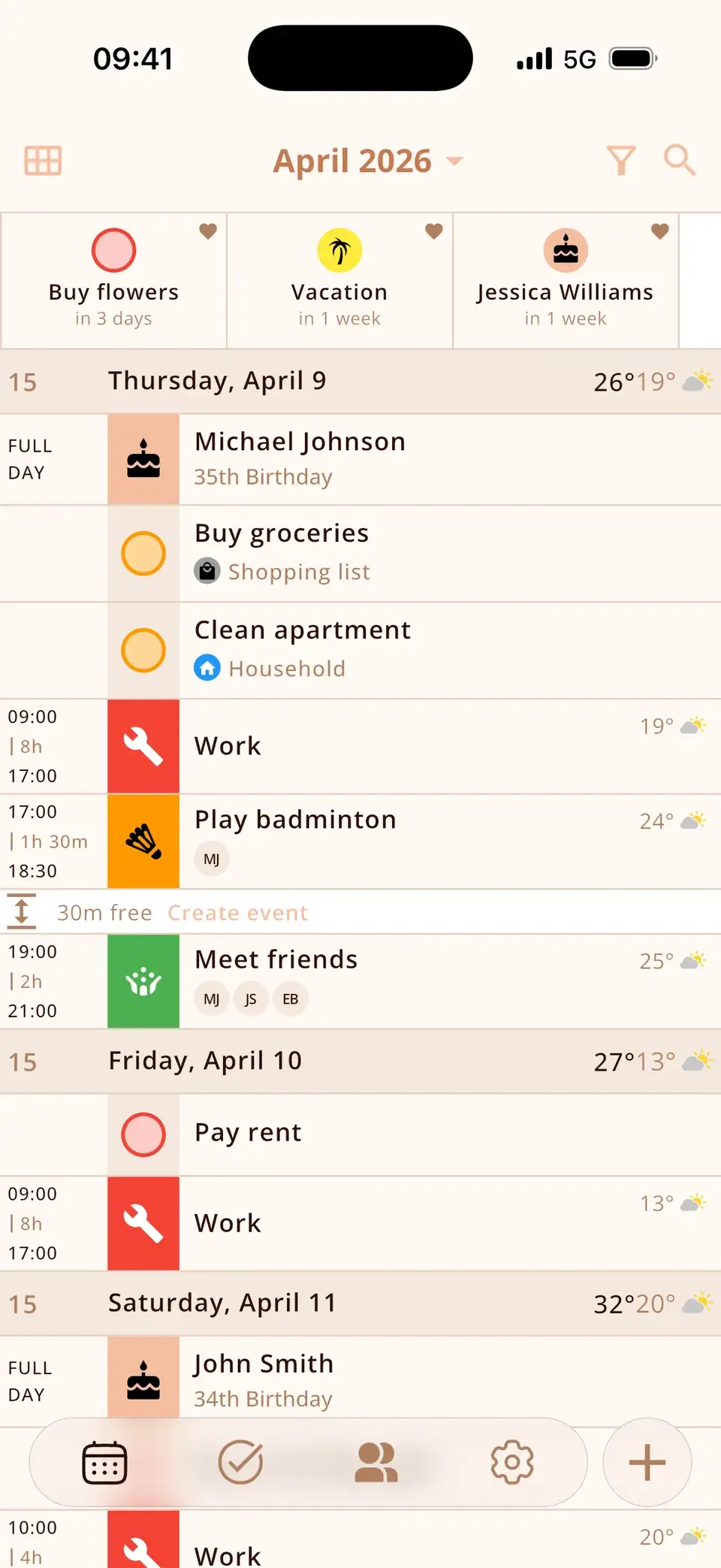
From boring to beautiful
Same appointments, different feeling: Miracal reads your iCloud, Google and Outlook calendars and shows them as a calm, colourful list – with icons, your tasks and the birthdays from your contacts in between. Nothing to rebuild, no new account.
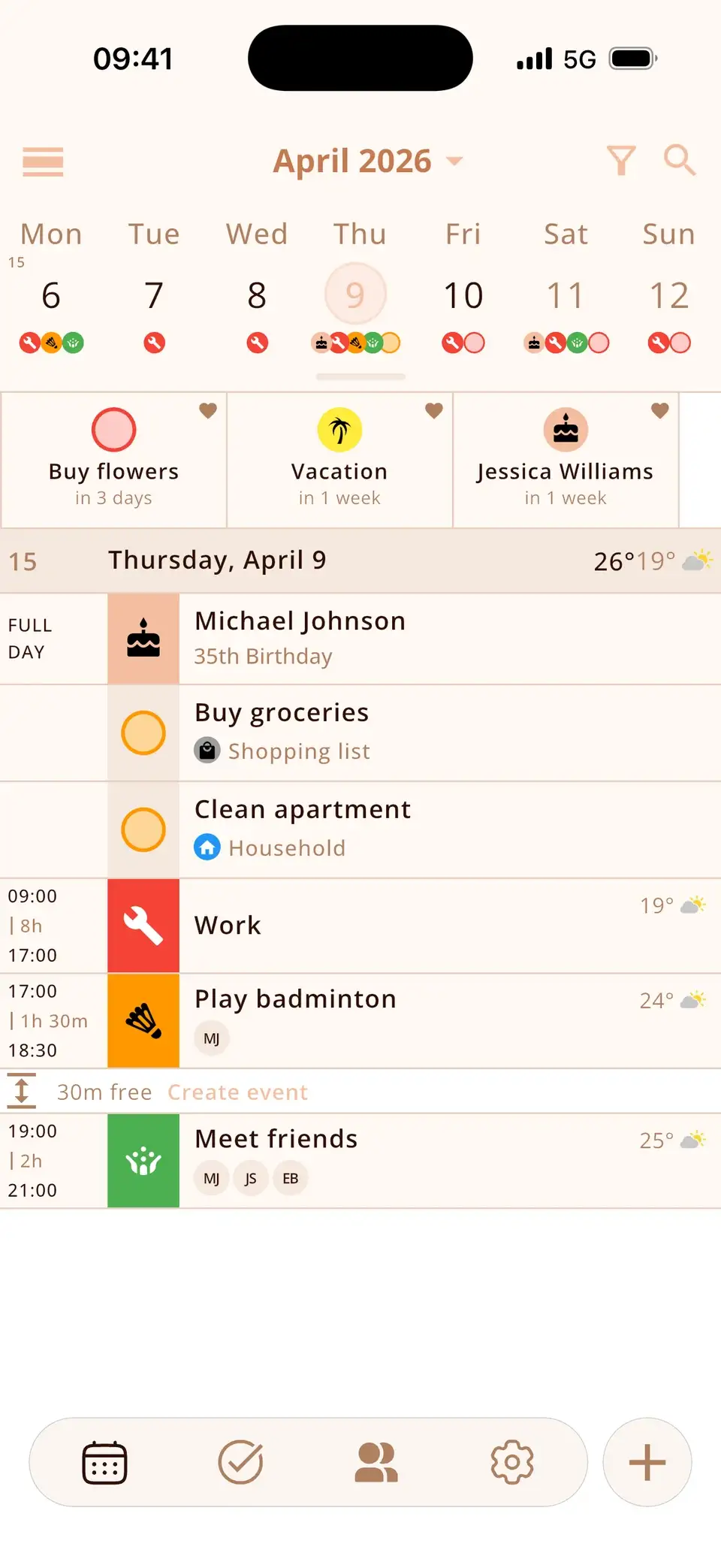
An icon for every event – automatically
Type “dentist”, “gym” or “flight” and Miracal adds the matching icon while you type. You recognise your day at a glance instead of reading it. The free version has 133 icons; PRO has more than 2,500 in 34 categories.
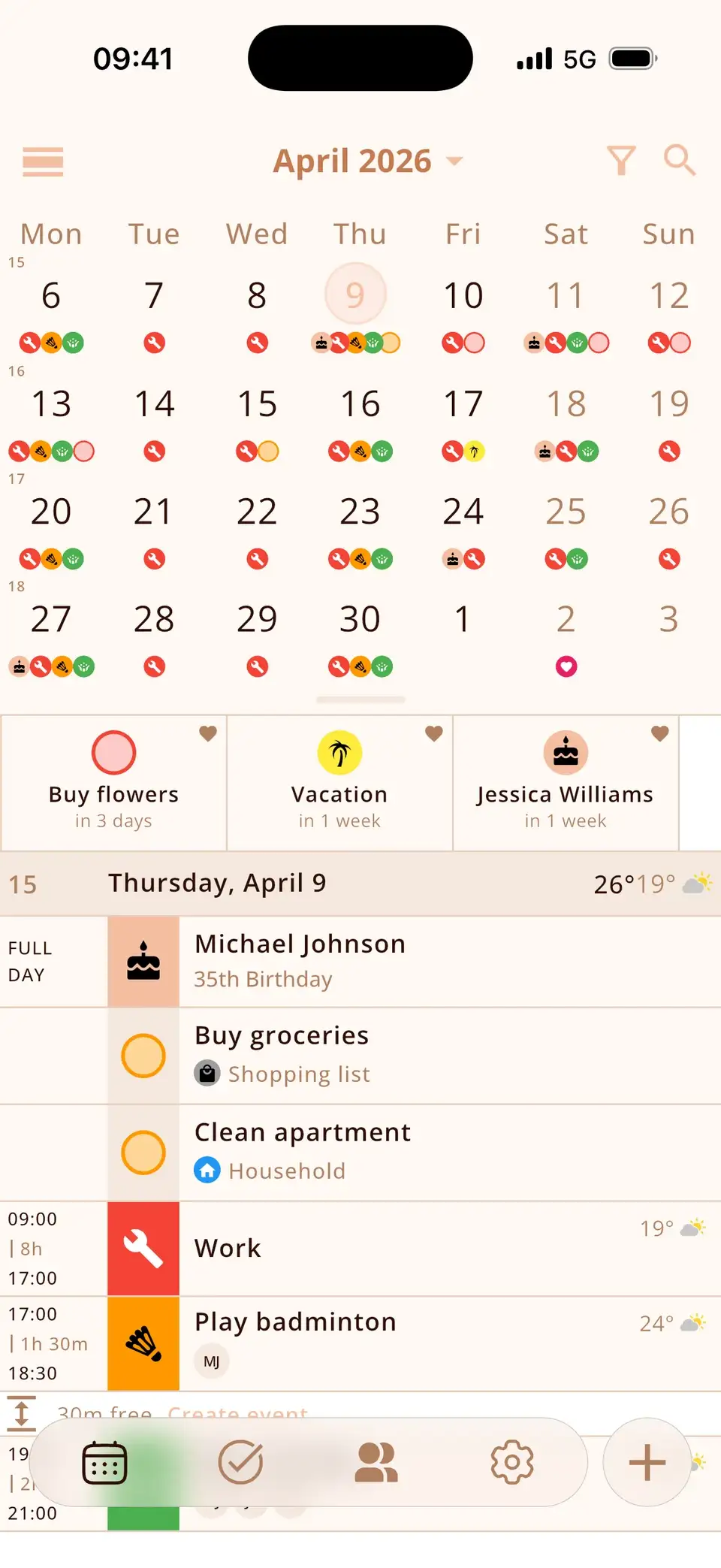
Warm tones or dark mode
Four backgrounds: Light Gray, Light Sand, Dark Gray and Dark Brown. Sand and Brown are warm and easy on the eyes – the cosy look many people mean by an aesthetic calendar.
- Light (Gray)
- Light (Sand)
- Dark (Gray)
- Dark (Brown)
Your colour, your font
Nine theme colours from pink to black tint buttons, highlights and widgets; with PRO you can mix any colour. Five fonts and four text sizes, including OpenDyslexic, let you make the calendar easy to read, too.
- Pink
- Red
- Blue
- Green
- Yellow
- Orange
- Brown
- Gray
- Black
- PRO
Just as pretty on the home screen
The widgets use the same background, colour and font as the app – so your home screen matches. How to add a calendar widget
- Light (Sand) · Pink
- Dark (Brown) · Orange
- Light (Gray) · Blue
- Dark (Gray) · Green

Other aesthetic calendar apps
Miracal isn't the only pretty calendar. Depending on what you want:
Structured – a day planner with a colourful visual timeline, good if you plan your day block by block. Fantastical – a polished calendar for Apple devices with natural-language input. Howbout – a social calendar for making plans with friends. Apple Calendar – free and clean, with one colour per calendar.
Miracal is the one to pick if you want your existing calendars, tasks and birthdays in one view – with icons instead of plain text.
Good to know
- The free version has 133 icons and nine theme colours; more than 2,500 icons and custom colours come with PRO.
- Miracal doesn't switch between light and dark automatically during the day – you pick the background once.
- The free version syncs one calendar; PRO shows all of them.
What users say
“A very well-made calendar app. Very clear and comprehensive.”
Translated from German
“At first glance it makes a great, clear and well-organised impression. I like it a lot.”
Translated from German
Selected reviews from the App Store and Google Play. Excerpts are verbatim; translations are ours.
Frequently asked questions
What is the most aesthetic calendar app?
It depends on taste. If you like clean and minimal, Apple Calendar or Fantastical; for a colourful day timeline, Structured; for icons, warm colours and dark mode on top of your existing calendars, Miracal.
Is there a cute calendar app for iPhone that's free?
Yes. Miracal is free with icons, four backgrounds, nine theme colours, widgets and dark mode – no ads, no account.
Can I make Apple Calendar look nicer?
You can change each calendar's colour, but not add icons or change the background. Miracal shows the same calendars with icons, themes and fonts – and edits sync back to Apple Calendar.
Does it have a dark mode?
Two: Dark Gray and Dark Brown. Your widgets switch to the same look.
A calendar you like looking at.
Free for iPhone and Android.
Free download · iPhone & Android