
How to delete a calendar on iPhone
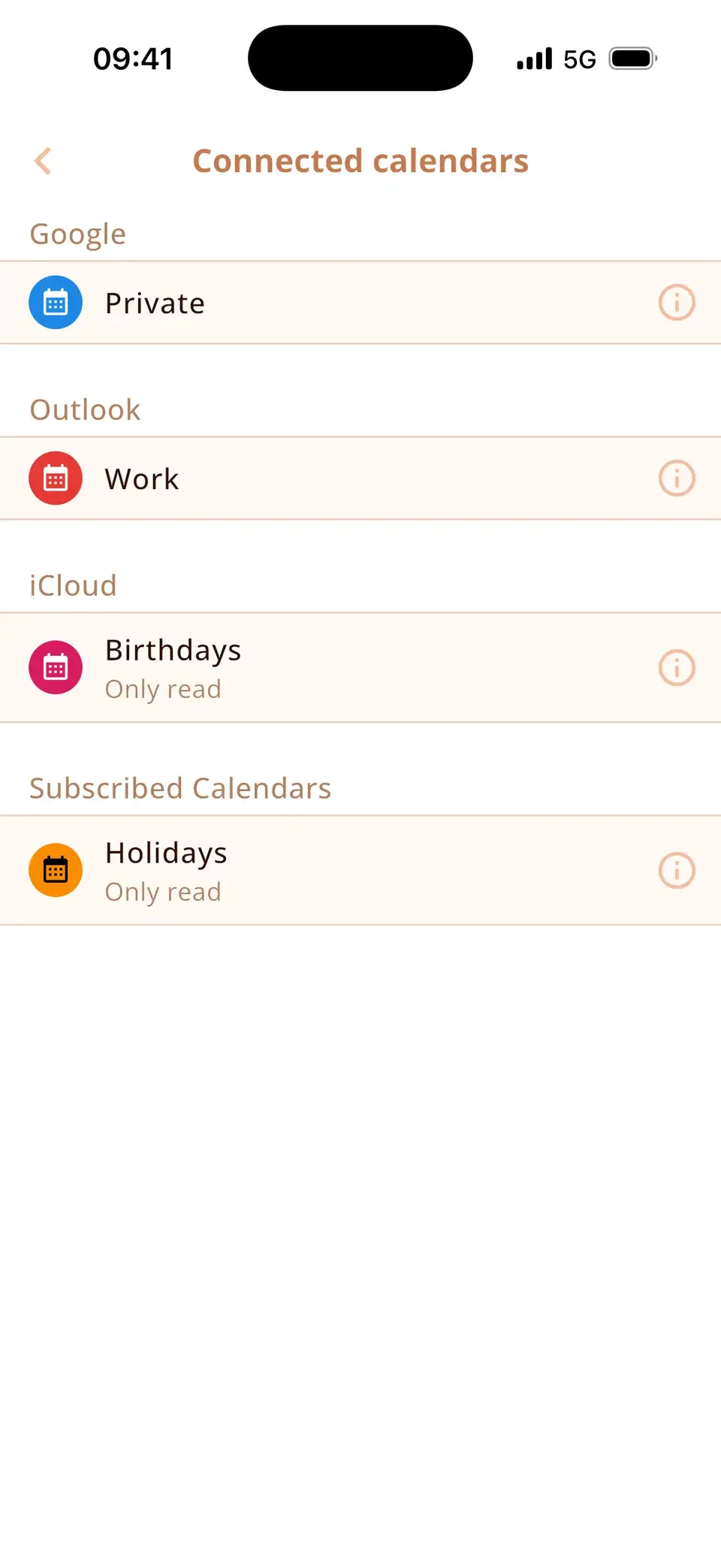
In the Calendar app, tap Calendars, then the ⓘ next to the calendar and Delete Calendar at the bottom. Calendars you subscribed to – including spam calendars – are removed with Unsubscribe. Google and Outlook calendars are deleted in their own apps; on the iPhone you can hide them.
Delete an iCloud or local calendar
- Open the Calendar app and tap Calendars.
- Tap the ⓘ next to the calendar.
- Scroll down and tap Delete Calendar, then confirm.
Careful: this deletes the calendar and all its events on every device that uses the same iCloud account. If you only want it out of sight, untick it in the calendar list instead.
Remove calendar spam
Events like “Your iPhone is infected” or “You've won” come from a calendar you subscribed to by tapping a link on a website. Don't tap any links in these events. To remove them:
- Tap one of the spam events.
- At the bottom, tap Unsubscribe from This Calendar.
- Choose Unsubscribe and Report Junk (or just Unsubscribe).
Alternatively: Settings → Apps → Calendar → Calendar Accounts → Subscribed Calendars, tap the unknown calendar and choose Delete Account.
Google and Outlook calendars
Calendars from Google or Outlook are managed by those accounts. Delete them on calendar.google.com or in Outlook; on the iPhone you can untick them in the calendar list, or turn off the whole account under Settings → Apps → Calendar → Calendar Accounts.
Only the calendars you want
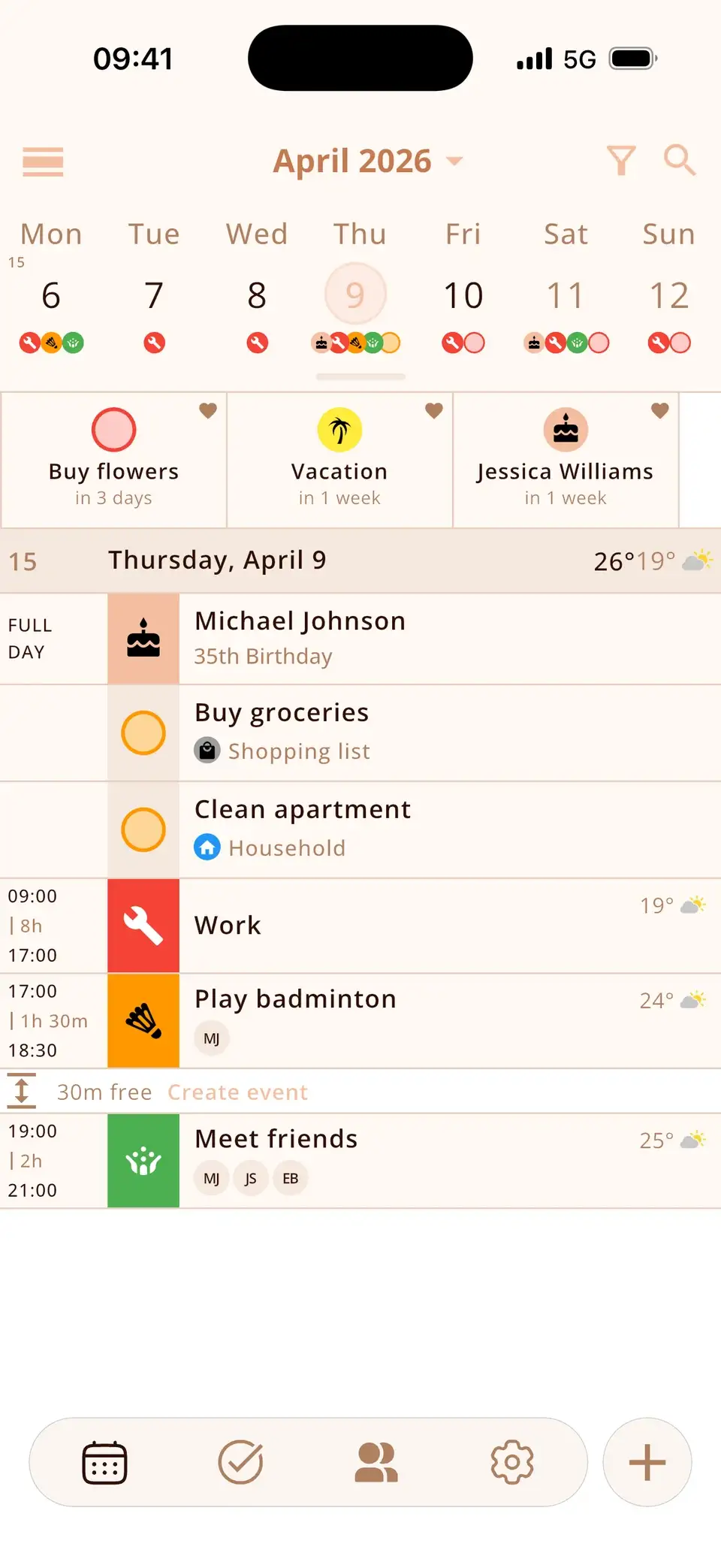
Miracal shows the calendars that are on your phone, and you choose which ones appear. Once a spam calendar is unsubscribed on the iPhone, it's gone from Miracal too. The free version syncs one calendar, PRO all of them.
Try Miracal for free
Calendar, tasks, birthdays and weather in one app – no account, no ads.


Frequently asked questions
Why can't I delete a calendar on my iPhone?
Delete Calendar only appears for iCloud and local calendars. Google and Outlook calendars are deleted in their own accounts; subscribed calendars are removed with Unsubscribe.
Does deleting a calendar delete it on my iPad and Mac too?
Yes, if it's an iCloud calendar – iCloud syncs the deletion to all your devices.
How do I stop calendar spam for good?
Unsubscribe from the spam calendar and don't tap “Subscribe” or “OK” on pop-ups on unknown websites. iOS asks before adding a subscribed calendar.
A calendar without clutter.
Free for iPhone and Android.
Free download · iPhone & Android