
Duplicate events in the iPhone calendar – how to remove them
Duplicates almost always come from two calendars showing the same events: an account added twice, the same mailbox as Exchange and Outlook.com, or two holiday calendars. Tap both copies to see which calendar each one belongs to, then remove the extra account or hide the extra calendar – don't delete the events one by one.
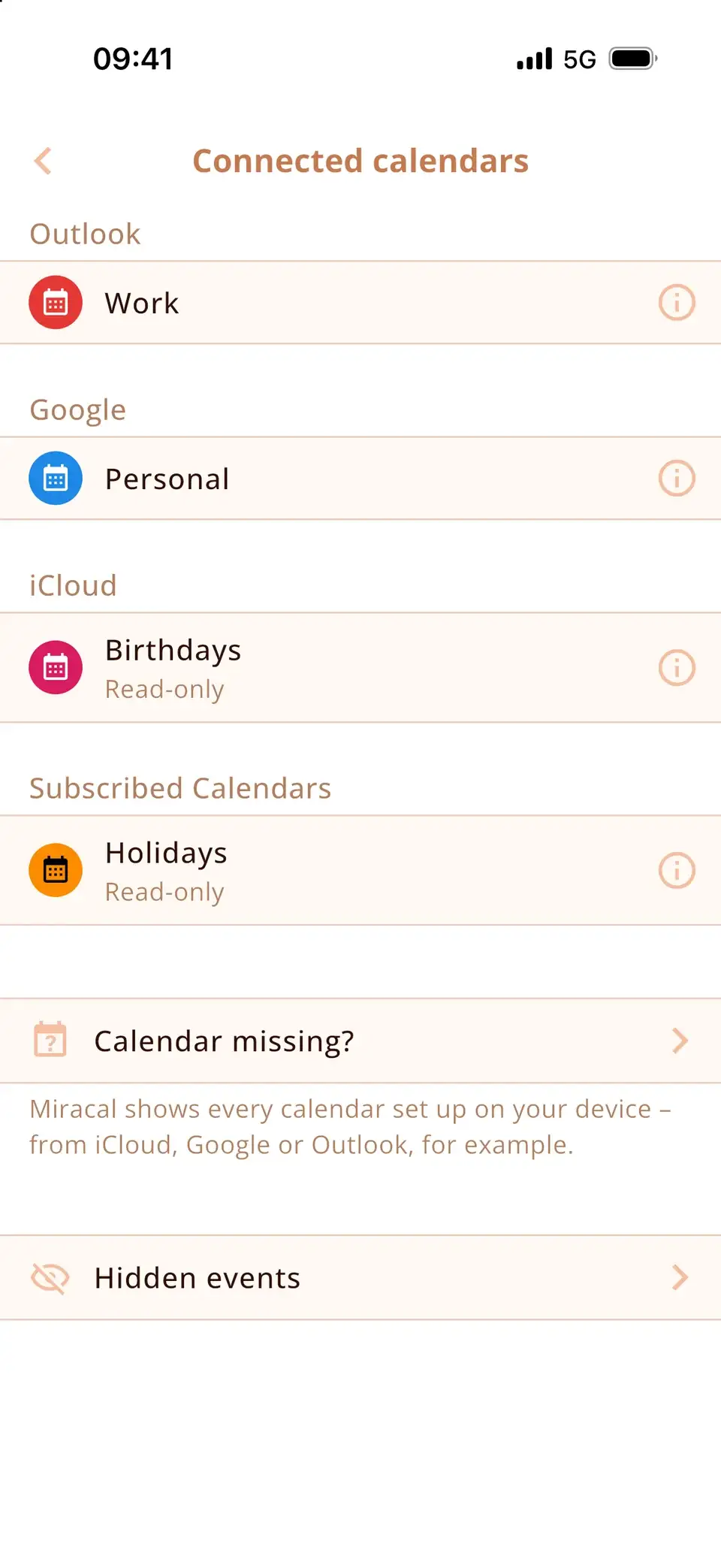
Find out where the duplicates come from
- Tap the first copy of a doubled event and look at the Calendar line – it shows the calendar and the account.
- Do the same with the second copy.
- Open the calendar list (Calendars) and untick one of the two calendars. If the duplicates disappear, you've found the cause.
If both copies are in the very same calendar, see the last section.
The usual causes – and the fix
- Same account added twice: for example Google as a Google account and again via Other, or a work mailbox as Microsoft Exchange and as Outlook.com. Check Settings → Apps → Calendar → Calendar Accounts and remove the second entry (Delete Account) – the events stay on the server.
- iCloud plus Exchange or Google: if events were once imported or copied into iCloud, they now exist twice. Hide or clean up the copy in iCloud.
- Outlook app: the Outlook app can save its calendars to the iPhone. If the same account is also added in Settings, everything appears twice – turn off one of the two.
- Two holiday calendars: a subscribed holiday calendar plus Google's holidays, or holidays from two accounts. Keep one: untick the other or unsubscribe.
- Subscribed and imported: a calendar file (.ics) imported into a calendar and the same calendar subscribed by link. Remove the subscription or the imported events.
Birthdays showing twice
The iPhone's Birthdays calendar reads the birthdays from your contacts. They appear twice when the same person exists in two contact accounts (for example iCloud and Google), or when Google's own birthdays calendar is shown too. Merge or link the duplicate contacts, or untick the second birthdays calendar in the calendar list.
Both copies in the same calendar
Then the duplicates really exist in that account – often after an import or a sync glitch. Check the web version (icloud.com, calendar.google.com or outlook.com): if the events are doubled there, delete the extra copies there. If they're only doubled on the iPhone, turn the account's Calendars switch off and on again, or remove the account and add it back. Careful: if one account is added twice, deleting a “duplicate” deletes the event on the server – and both copies disappear.
What Miracal shows
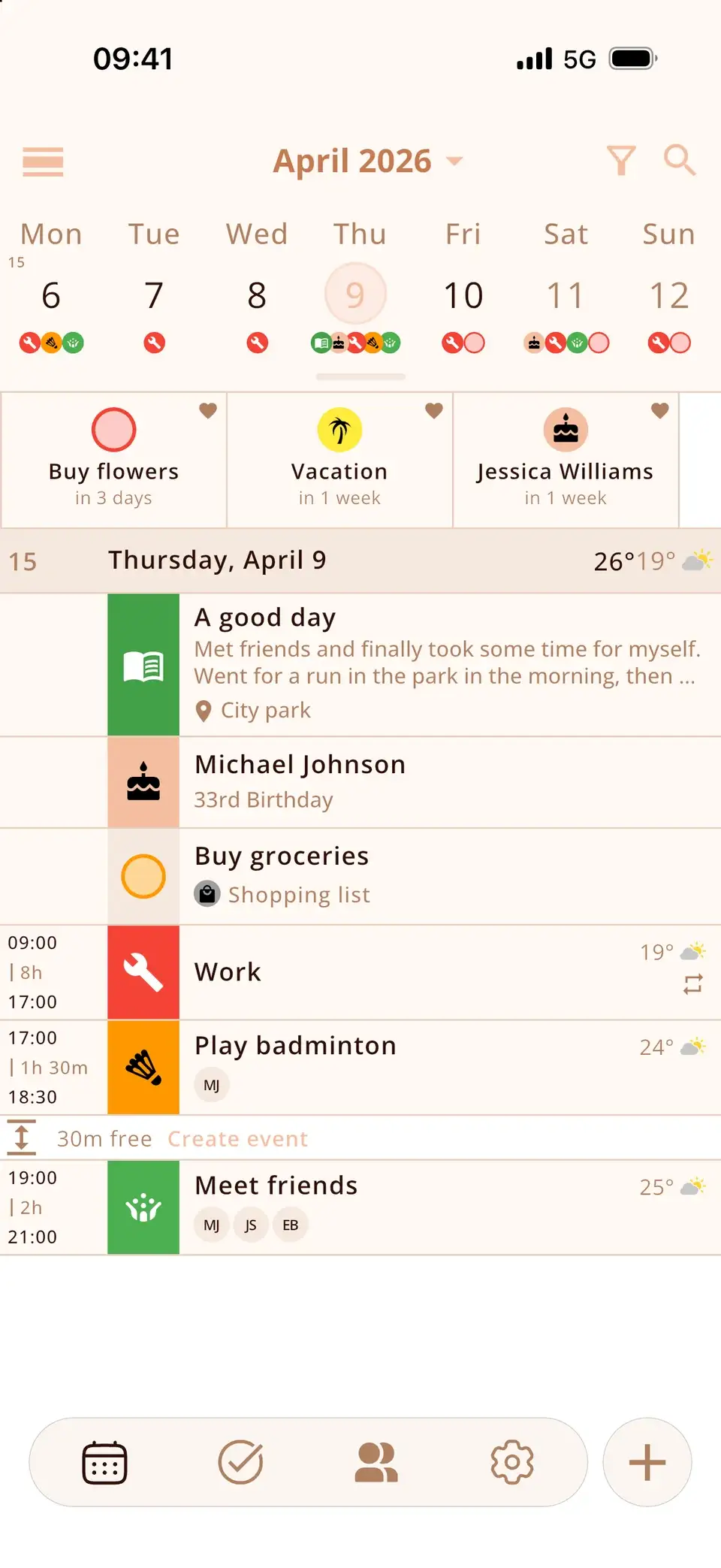
Miracal reads the same calendars as the iPhone, so duplicates caused by a doubled account show up there too – and disappear once you fix them on the iPhone. In Miracal you choose which calendars appear, so you can leave an extra calendar out there as well. The free version syncs one calendar, PRO all of them.
Try Miracal for free
Calendar, tasks, birthdays and weather in one app – no account, no ads.


Frequently asked questions
Why are all my iPhone calendar events showing twice?
Almost always because two calendars show the same events – typically the same account added twice in Calendar Accounts. Remove the second account; the events stay on the server.
Should I just delete the duplicate events?
Only if they really exist twice in one account. If the same account is added twice, deleting one copy deletes the event itself – and both copies disappear.
Why do holidays appear twice in my iPhone calendar?
You have two holiday calendars, for example a subscribed one and Google's holidays. Untick one of them in the calendar list or unsubscribe from it.
Why do birthdays show up twice?
The contact is saved in two accounts, or a second birthdays calendar (for example Google's) is switched on. Merge the contacts or hide the second calendar.
Every event once – in one clear view.
Free for iPhone and Android.
Free download · iPhone & Android