
How to share a calendar on iPhone
Open the Calendar app, tap Calendars, tap the ⓘ next to an iCloud calendar and choose Add Person. The other person gets an invitation and sees your events once they accept. Only iCloud calendars can be shared this way – Google and Outlook calendars are shared where they come from.
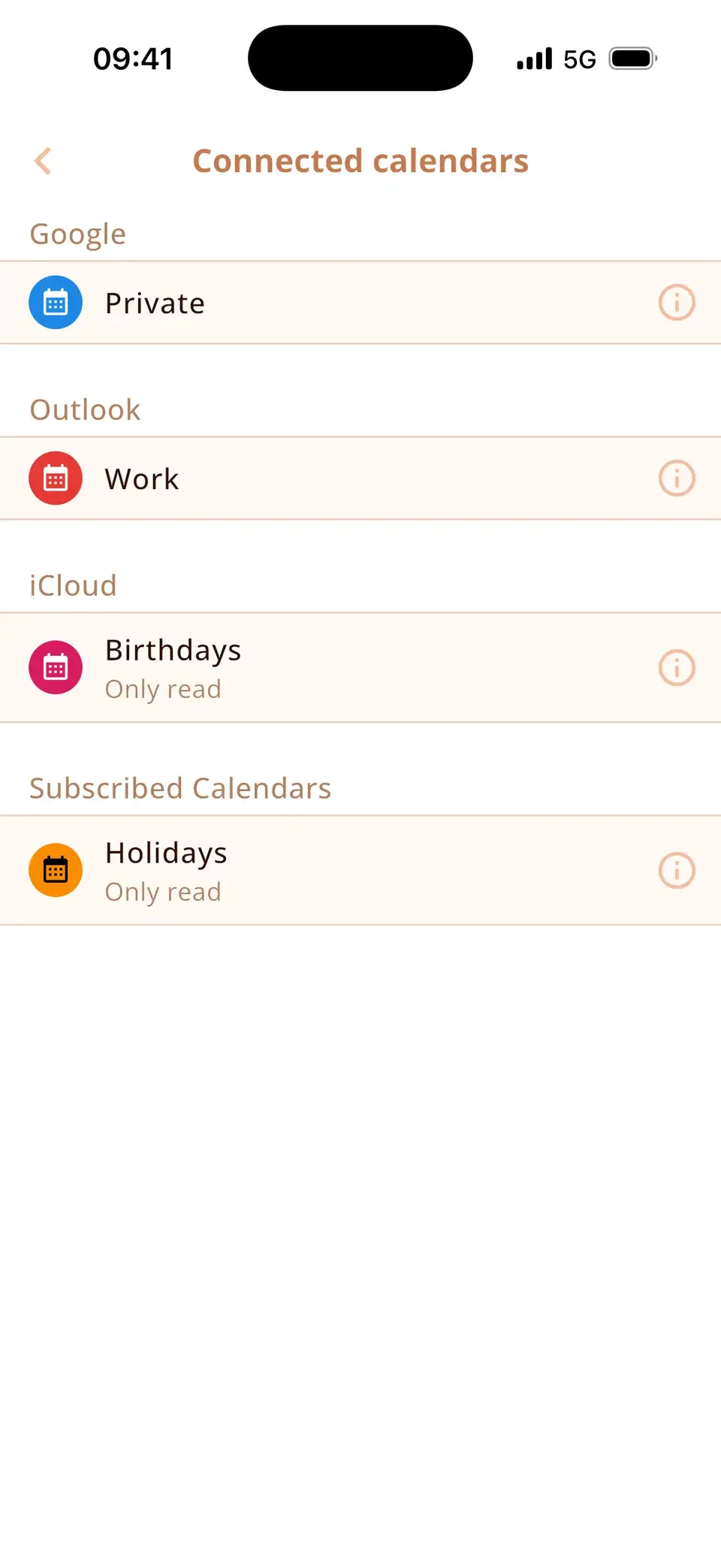
Share an iCloud calendar with someone
- Open the Calendar app and tap Calendars at the bottom.
- Tap the ⓘ next to the iCloud calendar you want to share.
- Tap Add Person, enter the name or email address and tap Add.
- The person gets an invitation. Once they accept, the calendar appears on their devices.
By default, people you invite can also add and change events. To make it read-only for someone, tap their name in the same screen and turn off Allow Editing.
Share a read-only link (also for Android users)
- In the same screen, turn on Public Calendar.
- Tap Share Link… and send the link by message or email.
Anyone with the link can subscribe to the calendar in their own calendar app, including Google Calendar or Outlook, but can't change anything. Turn Public Calendar off again to stop sharing the link.
A calendar for the whole family
If you use Family Sharing, iCloud already created a calendar called Family that every member sees. Events in it appear for everyone automatically – no invitations needed. Otherwise, create a new iCloud calendar (Calendars → Add Calendar) and share it with the people who need it.
Sharing Google or Outlook calendars
On the iPhone you can only share iCloud calendars. Other calendars are shared where they live:
- Google Calendar: on calendar.google.com, open the calendar's Settings and sharing and add people under Share with specific people or groups.
- Outlook: in Outlook on the web or in the Outlook app, open the calendar and choose Share.
Once someone accepts, the shared calendar syncs to their phone like their own calendars.
See shared calendars next to your own
Miracal shows every calendar on your phone – including shared iCloud and Google calendars – in one view, next to your tasks and the birthdays from your contacts. Miracal doesn't share calendars itself; sharing stays with iCloud, Google or Outlook. The free version syncs one calendar, PRO all of them.
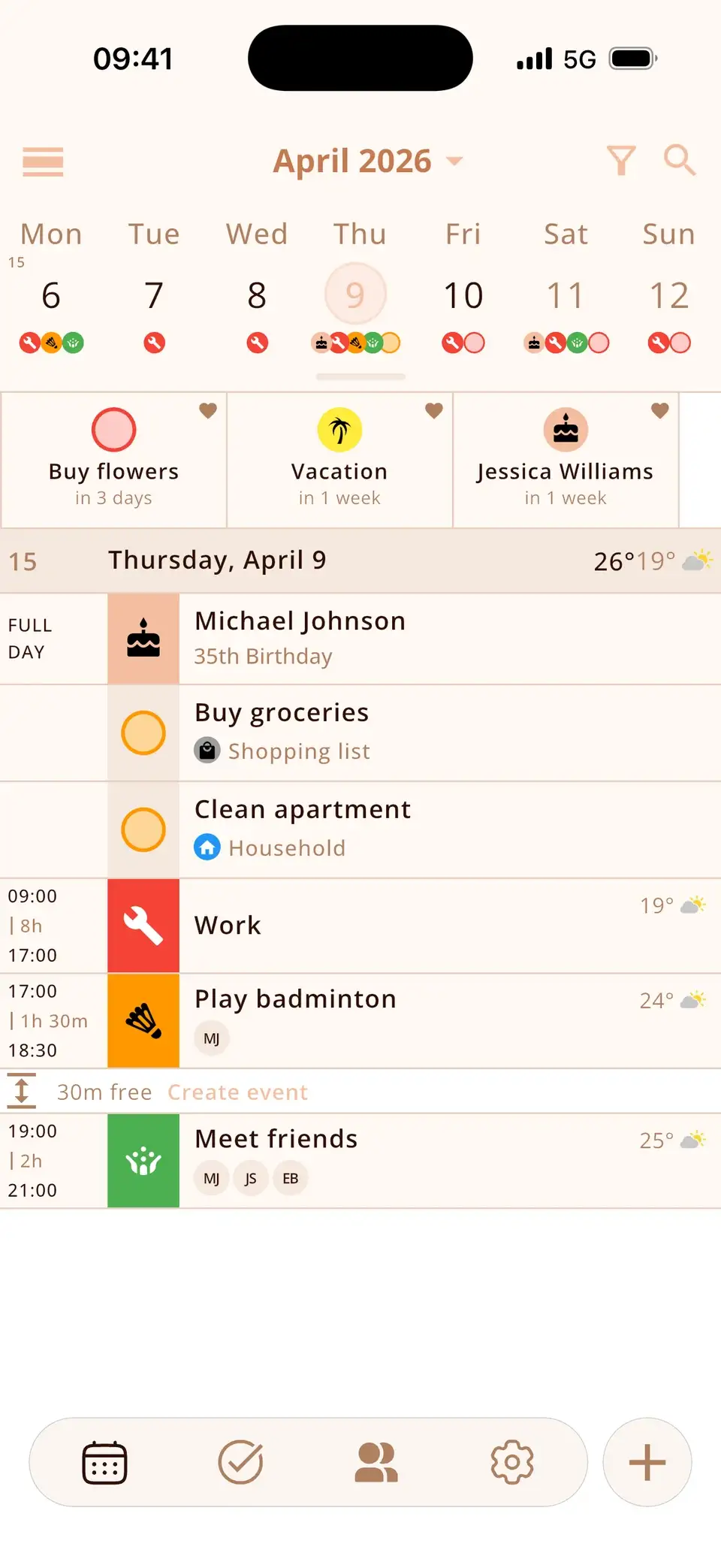
Try Miracal for free
Calendar, tasks, birthdays and weather in one app – no account, no ads.


Frequently asked questions
Why can't I share my calendar on iPhone?
Only iCloud calendars can be shared in Apple's Calendar app. If the calendar belongs to Google, Outlook/Exchange or is “On My iPhone”, the Add Person option is missing. Share Google and Outlook calendars on the web or in their apps, or create an iCloud calendar.
Can I share a calendar with someone who has an Android phone?
Yes, read-only: turn on Public Calendar and send the link. For shared editing across iPhone and Android, a Google calendar shared on calendar.google.com works best.
How do I stop sharing a calendar?
In the same ⓘ screen, tap the person's name and choose Stop Sharing, or turn off Public Calendar to disable the link.
All calendars – yours and shared – in one view.
Free for iPhone and Android.
Free download · iPhone & Android