
How to show a shared Google calendar on iPhone
Accept the shared calendar in Google Calendar first, then open calendar.google.com/calendar/syncselect, tick the calendar and tap Save. After the next sync it appears in the iPhone's Calendar app – as long as your Google account is added under Settings → Apps → Calendar → Calendar Accounts.
1. Accept the shared calendar
- The owner shares the calendar on calendar.google.com under Settings and sharing → Share with specific people or groups, using your Google email address.
- You get an email. Tap the link to add the calendar – it then appears in Google Calendar under Other calendars.
- If you got no email, ask the owner to check the address: a calendar shared with a different email than your Google account doesn't reach you.
A calendar has to be in your Google calendar list before the iPhone can get it.
2. Select it for the iPhone
Google only sends your own calendars to the iPhone by default. Shared calendars need one switch:
- Open calendar.google.com/calendar/syncselect in Safari and sign in with the same Google account as on the iPhone.
- Tick the shared calendars under Shared calendars.
- Tap Save.
- In the iPhone's Calendar app, tap Calendars, pull the list down to refresh and tick the new calendar under your Google account.
Your Google account isn't on the iPhone yet? Add it first – our guide Add Google Calendar to iPhone shows how.
Family and colleague calendars
- Google family calendar: if you're in a Google family group, the calendar called Family is shared automatically – it also needs a tick on the sync page.
- Shared iCloud calendar: someone shares it from their iPhone with your Apple Account email; accept the invitation and it shows up on all your Apple devices. See Share a calendar on iPhone.
- Colleague's Outlook calendar: accept the share in Outlook. Whether it then appears in the iPhone's Calendar app depends on your company's Exchange setup – if not, it's only in the Outlook app.
- Only a link: if someone sent you a calendar link (iCal/.ics), add it as a subscription: Settings → Apps → Calendar → Calendar Accounts → Add Account → Other → Add Subscribed Calendar. Subscriptions are read-only.
Still not showing up?
- Wrong Google account: the sync page and the iPhone must use the same account – check the address in the top corner of the page.
- Calendars switch: Settings → Apps → Calendar → Calendar Accounts → your Google account → Calendars must be on.
- Hidden: in the Calendar app under Calendars, the shared calendar must be ticked.
- Can't edit: if the owner only allowed “See all event details”, you can see but not change events – on the iPhone too.
- Re-add the account: remove the Google account on the iPhone and add it again. Your events stay at Google.
Shared and personal calendars side by side
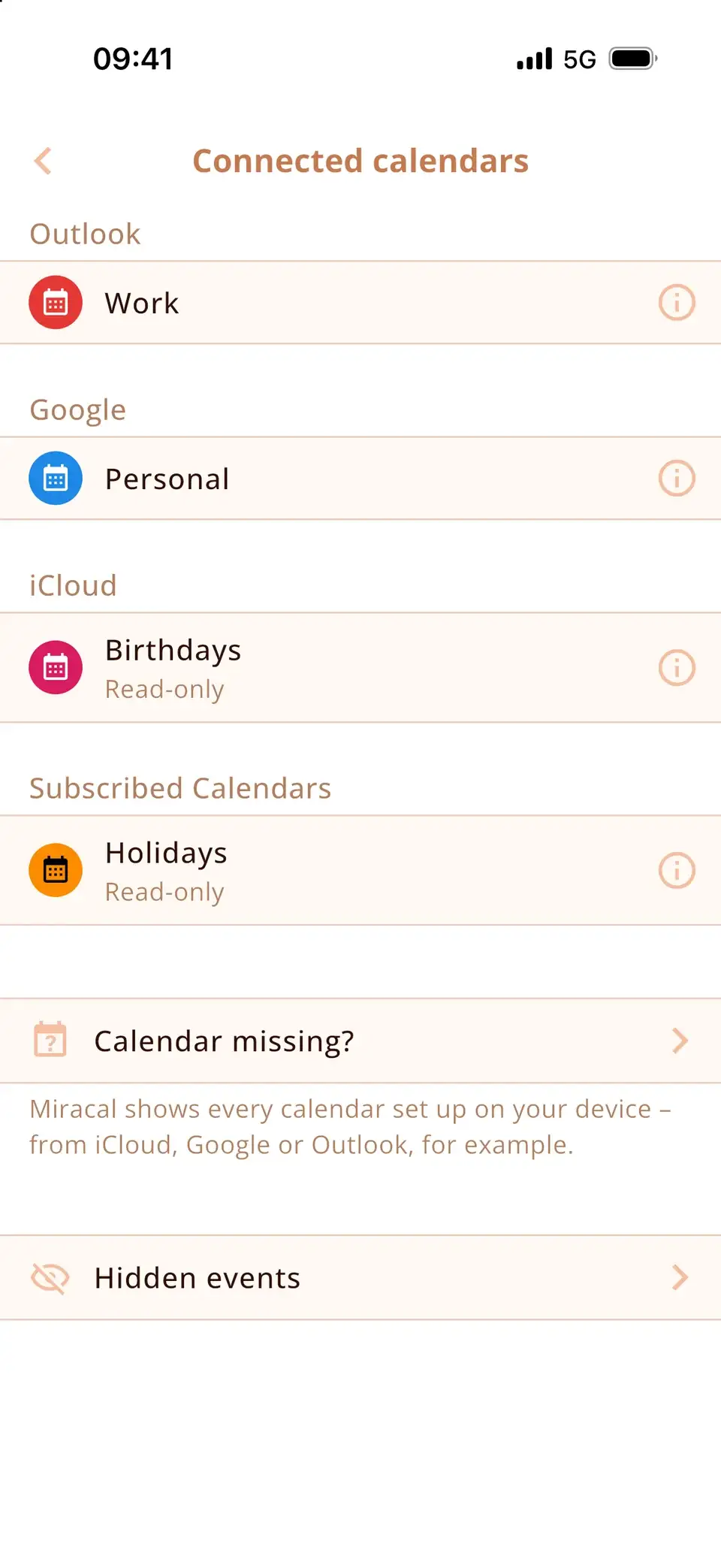
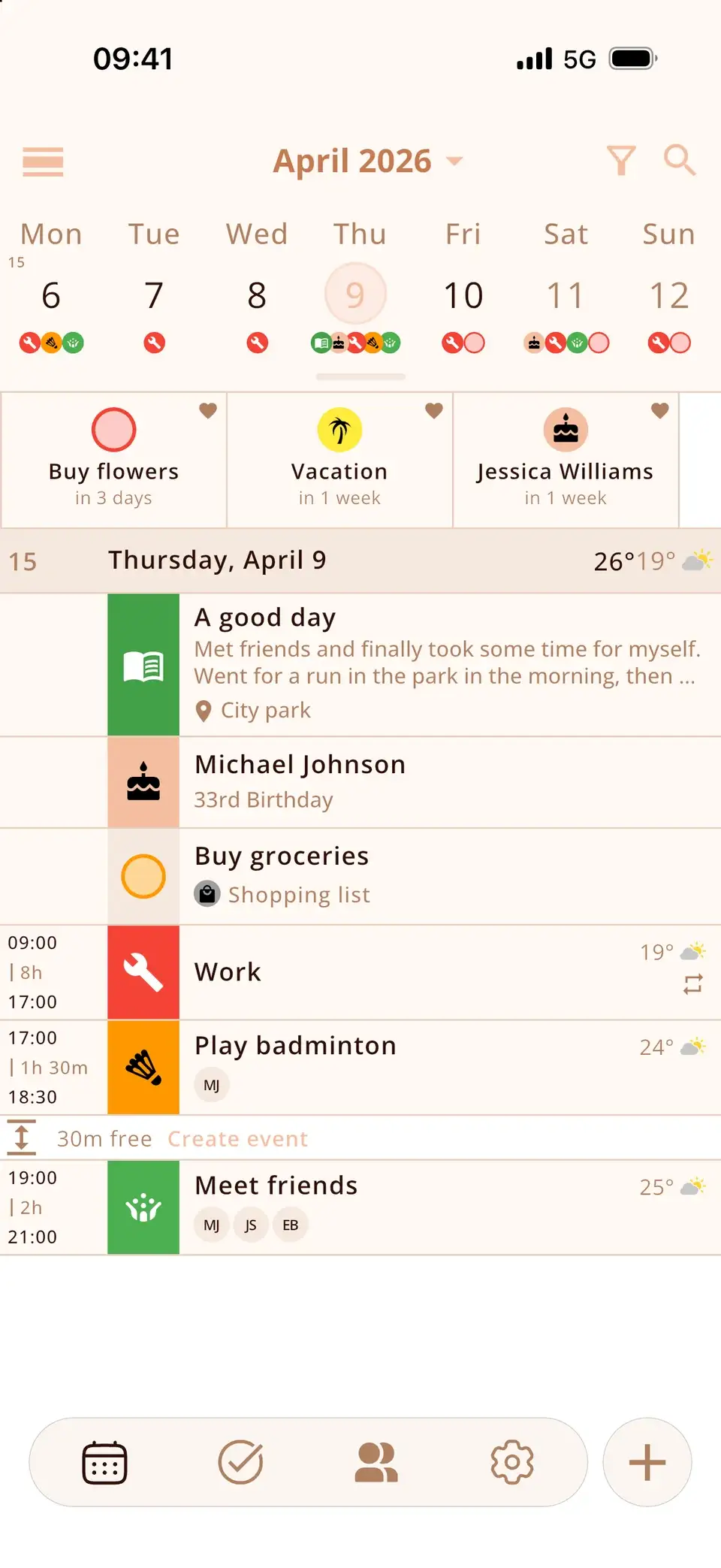
Once the shared calendar is on the iPhone, Miracal shows it next to your own iCloud, Google and Outlook calendars – with icons, your tasks and the birthdays from your contacts. Miracal doesn't share calendars itself; sharing stays with Google or iCloud. The free version syncs one calendar, PRO all of them.
Try Miracal for free
Calendar, tasks, birthdays and weather in one app – no account, no ads.


Frequently asked questions
Why is a shared Google calendar not showing on my iPhone?
Google doesn't sync shared calendars to the iPhone until you tick them on calendar.google.com/calendar/syncselect. Also make sure you accepted the share and the calendar is ticked in the Calendar app.
How do I add a shared Google calendar to the iPhone Calendar app?
Accept the share, tick the calendar on calendar.google.com/calendar/syncselect and save. If your Google account is added in Settings → Apps → Calendar → Calendar Accounts, it appears after the next sync.
Do I need the Google Calendar app for shared calendars?
No. The Google Calendar app shows them right away, but with the sync page they also appear in Apple's Calendar app, in widgets and in other calendar apps.
Can I edit events in a shared Google calendar on iPhone?
Yes, if the owner gave you “Make changes to events”. With “See all event details” the calendar is read-only on every device.
Your shared calendars in one view.
Free for iPhone and Android.
Free download · iPhone & Android